Our Top Picks
 LG 27UP850K-W 27-inch UltraFine 4K UHD IPS DisplayHDR27-inch and USB-C9.4 x 24.2 x 22.4 inches13 poundsCheck on Amazon
 LG 27UP650K-W 27-inch Ultrafine 4K UHD27-inch and HDMI9.42 x 24.15 x 22.41 inches12.3 PoundsCheck on Amazon
The best LG monitor for most buyers in this set is the 27UP850K-W, a 27-inch 4K IPS screen whose title lists USB Type-C with 90W power delivery and a tilt, height and pivot stand. If motion matters more than text, the 32-inch UltraGear 32GS60QC-B takes the lead with its QHD, 180Hz claim. Eight LG listings are compared below, from a 24-inch 1080p panel up to a 34-inch ultrawide. Several are close cousins of each other, and we say plainly where two listings overlap. Everything here comes from listing titles and general display knowledge, so we also flag the title claims worth a second look before you order.
Side-by-side: eight LG listings at a glance

LG 27U411A-B 27-inch Full HD (1920 x 1080) IPS Computer Monitor, 120Hz, HDR10, Reader Mode, Flicker Safe, HDMI, Slim Stand Base, Black


As an Amazon Associate we earn from qualifying purchases. Product prices and availability are accurate as of the date/time indicated.

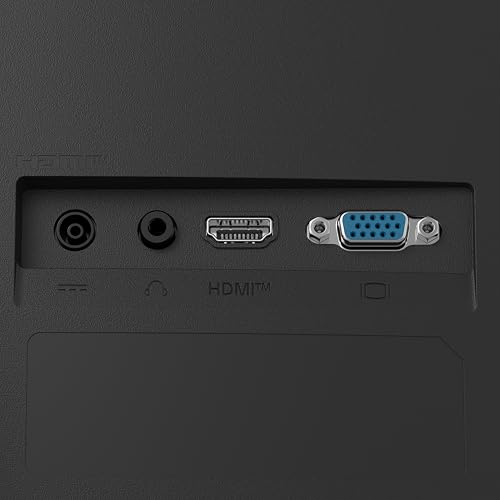
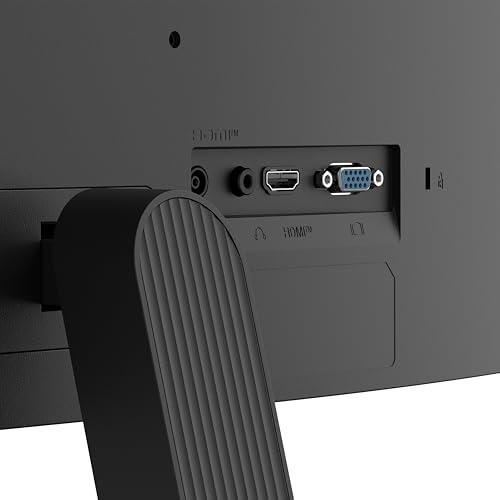
LG 24U411A-B 24-inch Full HD (1920 x 1080) IPS Computer Monitor, 120Hz, HDR10, Reader Mode, Flicker Safe, HDMI, Slim Stand Base, Black






As an Amazon Associate we earn from qualifying purchases. Product prices and availability are accurate as of the date/time indicated.

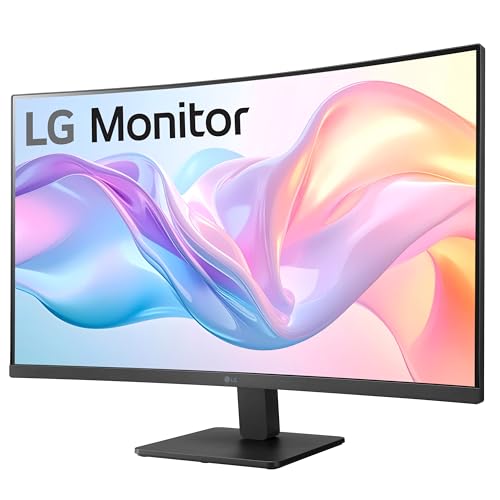
LG 32MR50C-B Curved Monitor 32-Inch FHD 100Hz AMD FreeSync OnScreen Control Dynamic Action Sync Black Stabilizer Tilt Stand (HDMI) - Black




As an Amazon Associate we earn from qualifying purchases. Product prices and availability are accurate as of the date/time indicated.

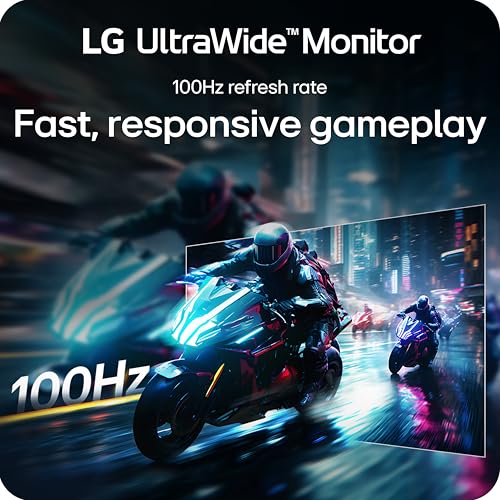
LG 34WR55QK-B 34-inch UltraWide WQHD (3440 x 1440) Curved Computer Monitor, 100Hz, 5ms, HDR10, Reader Mode, HDMI, DisplayPort, USB Type-C, Tilt/Height Adjustable Stand, Black



As an Amazon Associate we earn from qualifying purchases. Product prices and availability are accurate as of the date/time indicated.
LG 27UP850K-W 27-inch UltraFine 4K UHD IPS DisplayHDR 400 Computer Monitor | (3840 x 2160), Built-in Speaker with Maxx Audio, DCI-P3 95% (Typ), 60Hz, USB Type-C 90W PD, DP, HDMI, Tilt/Height/Pivot Stand


As an Amazon Associate we earn from qualifying purchases. Product prices and availability are accurate as of the date/time indicated.
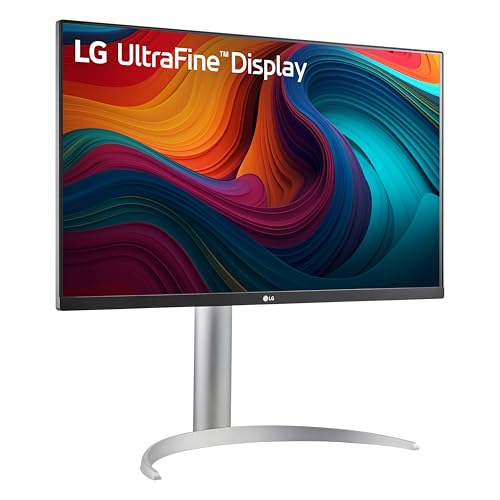
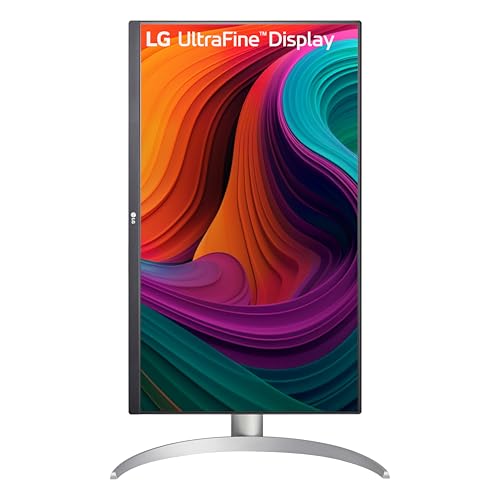
LG 27UP650K-W 27-inch Ultrafine 4K UHD (3840 x 2160) IPS Computer Monitor, 60Hz, 5ms, DisplayHDR 400, Reader Mode, Flicker Safe, HDMI, DisplayPort, Tilt/Height/Pivot Adjustable Stand, White






As an Amazon Associate we earn from qualifying purchases. Product prices and availability are accurate as of the date/time indicated.

LG 32GS60QC-B Ultragear 32-inch Curved Gaming Monitor QHD (2560x1440) 180Hz 1ms 1000R AMD FreeSync HDR10 HDMIx2 DisplayPort Borderless Design Black Stabilizer DAS Crosshair FPS Counter - Black


As an Amazon Associate we earn from qualifying purchases. Product prices and availability are accurate as of the date/time indicated.

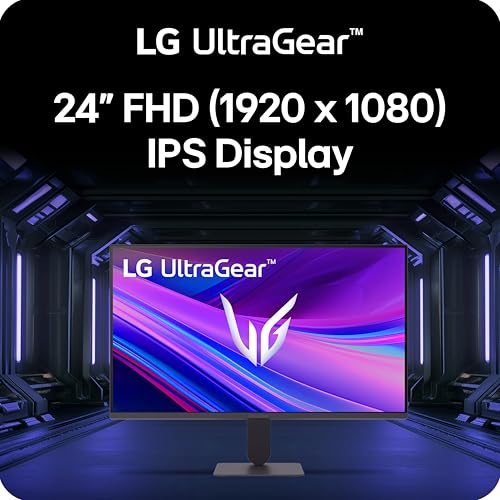
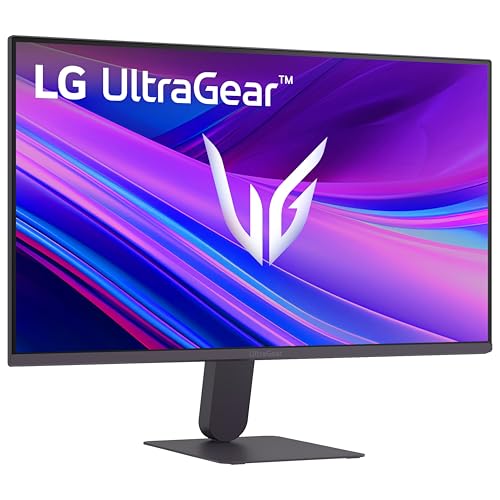
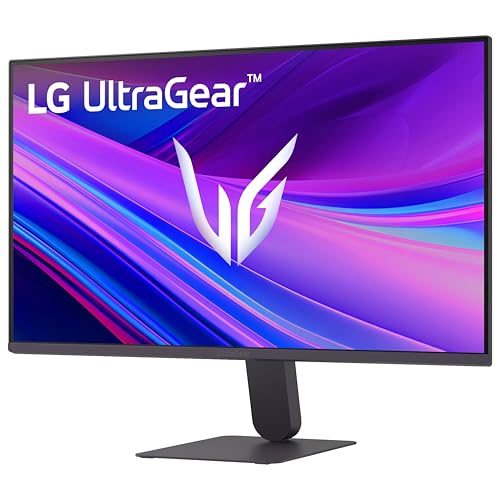
LG 24G411A-B 24-inch Ultragear Full HD (1920 x 1080) IPS Gaming Monitor, 144Hz (O/C), 1ms MBR, NVIDIA G-Sync Compatible, AMD FreeSync, HDR10, HDMI, DisplayPort, Slim Stand, Black






As an Amazon Associate we earn from qualifying purchases. Product prices and availability are accurate as of the date/time indicated.
| Model | Key point from title | Price tier | Best for |
|---|---|---|---|
| LG 27UP850K-W | 27-inch 4K IPS, USB-C 90W, DisplayHDR 400 | Premium | Laptop desks and text work |
| LG 27UP650K-W | 27-inch 4K IPS, 60Hz, HDMI and DisplayPort | Mid-range | Sharp 4K without USB-C |
| LG 34WR55QK-B | 34-inch curved ultrawide, 3440 x 1440, USB-C | Premium | Multitasking side by side |
| LG 32GS60QC-B | 32-inch curved QHD, 180Hz, DisplayPort | Mid-range | Fast PC gaming |
| LG 24G411A-B | 24-inch 1080p IPS, 144Hz (O/C), G-Sync Compatible | Budget | Entry-level esports |
| LG 32MR50C-B | 32-inch curved 1080p, 100Hz, HDMI only | Mid-range | Casual viewing from a distance |
| LG 27U411A-B | 27-inch 1080p IPS, 120Hz, HDMI | Budget | Basic office screen |
| LG 24U411A-B | 24-inch 1080p IPS, 120Hz, HDMI | Budget | Small desks and second screens |
The eight listings, one by one
LG 27UP850K-W
On paper this is the most complete screen in the group. The title lists a 27-inch 3840 x 2160 IPS panel, DisplayHDR 400, 95% DCI-P3 (typical), a Maxx Audio speaker, USB Type-C with 90W power delivery, DisplayPort, HDMI and a tilt, height and pivot stand. At 27 inches, 4K works out to roughly 163 pixels per inch, so text looks crisp at a normal desk distance. The 60Hz rating is the compromise. One USB-C cable can carry the picture and charge a laptop, provided the laptop port supports video output. The built-in speaker is handy for calls, though a listed speaker rarely replaces a proper pair.
Pros
- High pixel density for text and photos
- USB-C with 90W power delivery named in the title
- Pivot stand for vertical documents
Cons
- 60Hz is a poor fit for fast games
- DisplayHDR 400 is an entry tier, so HDR is a bonus
Who it’s for: anyone who reads, codes or edits all day and wants one-cable laptop docking.
LG 27UP650K-W
This is the plainer sibling of the model above and overlaps with it heavily. The title shows the same 27-inch 4K IPS panel, 60Hz, DisplayHDR 400, a tilt, height and pivot stand, and a white finish, plus 5ms, Reader Mode and Flicker Safe labels. It lists HDMI and DisplayPort but no USB-C and no speaker, and it gives no color-gamut figure. If you connect a desktop tower and never dock a laptop, you pay less for the same core sharpness. Check the live listing for current pricing against the USB-C version. Reader Mode and Flicker Safe are comfort labels, not medical claims.
Pros
- Same 4K density as the pricier 27UP850K-W
- Height and pivot adjustment included
Cons
- No USB-C named in the title
- 60Hz and an unstated color gamut
Who it’s for: desktop users who want a sharp 4K office screen with a lighter feature list.
LG 34WR55QK-B
A 34-inch curved ultrawide at 3440 x 1440 gives you about 34 percent more horizontal pixels than a standard 2560 x 1440 screen, which is room for two documents side by side. Density lands near 110 pixels per inch. The title lists 100Hz, 5ms, HDR10, HDMI, DisplayPort, USB Type-C and a tilt and height stand. It does not state USB-C power delivery wattage, so confirm that before relying on it to charge a laptop. There is no pivot, which is normal for a screen this wide. A 100Hz rating suits general use and relaxed gaming, but it is not a competitive esports figure.
Pros
- Wide canvas for side-by-side windows
- USB-C plus DisplayPort and HDMI
Cons
- Text is less sharp than on a 27-inch 4K panel
- USB-C charging wattage is not stated
Who it’s for: spreadsheet, timeline and multi-window workers who prefer width over a second monitor.
LG 32GS60QC-B
The UltraGear 32GS60QC-B pairs a 32-inch curved 2560 x 1440 panel with a 180Hz, 1ms and 1000R claim, AMD FreeSync, HDR10, two HDMI ports and DisplayPort. Gaming extras in the title include Black Stabilizer, a crosshair overlay and an FPS counter. The title does not name the panel type, and the 1ms figure is a seller claim, so look for the panel type in the listing. Per the arithmetic later in this guide, 1440p at 180Hz is a DisplayPort-friendly signal. The stand’s adjustability is not stated, and a curved 32-inch panel takes real desk depth, so measure before buying.
Pros
- High refresh rate at a sharper-than-1080p resolution
- Three video inputs
Cons
- Panel type and stand adjustments are not in the title
- Curve and size need desk depth
Who it’s for: PC gamers who want a large screen with smooth motion and a graphics card to match.
LG 24G411A-B
This UltraGear entry is a 24-inch 1920 x 1080 IPS screen, about 92 pixels per inch. The title says 144Hz (O/C), meaning the top refresh rate is an overclock above the panel’s native rate, so expect to enable it and to use DisplayPort. It also lists 1ms MBR (a motion-blur reduction mode), NVIDIA G-Sync Compatible and AMD FreeSync wording, HDR10, HDMI, DisplayPort and a slim stand. Motion-blur reduction modes often cannot run together with variable refresh, so you may need to pick one. It is the cheapest gaming-labeled screen here. Slim stands often offer tilt only, and the title does not list height adjustment.
Pros
- 144Hz and adaptive sync at a low tier
- DisplayPort and HDMI both present
Cons
- The 144Hz figure is overclocked
- Small panel and a slim stand with limited adjustment
Who it’s for: budget esports players on a 1080p-capable graphics card.
LG 32MR50C-B
This is the weakest-resolution large screen in the set, and it is better to say so plainly. A 32-inch 1920 x 1080 panel works out to about 69 pixels per inch, so small text looks soft at desk distance. The title lists a curve, 100Hz, AMD FreeSync, OnScreen Control, Dynamic Action Sync, Black Stabilizer and a tilt stand, with HDMI as the only input named. The curve radius and panel type are not stated. Its appeal is a big picture at a modest tier for video and casual play from farther back. Labels such as Dynamic Action Sync are brand feature names, so read the listing for what they change.
Pros
- Large curved picture for movies
- FreeSync listed for smoother casual gaming
Cons
- Low pixel density makes text look soft
- HDMI only, with a tilt-only stand
Who it’s for: living-room desks and casual viewing where text sharpness is secondary.
LG 27U411A-B
A 27-inch 1080p IPS screen with 120Hz, HDR10, Reader Mode, Flicker Safe, HDMI and a slim stand. Density is only about 82 pixels per inch, so it suits tasks that do not need fine text. The title lists no adaptive sync, no DisplayPort and no USB-C. It is a near twin of the 24-inch model below, so the choice mostly comes down to size, and the 24-inch version is the sharper of the two per inch. HDR10 here most likely means the panel accepts an HDR signal rather than delivering strong HDR. For mostly text work, the 24-inch twin or a 4K panel is the better route.
Pros
- Larger than 24 inches at a budget tier
- 120Hz is smoother than the 60Hz office default
Cons
- Lowest sharpness for its size
- Single HDMI input named
Who it’s for: light office and media use where a larger picture beats sharper text.
LG 24U411A-B
The smallest and lowest-priced listing here repeats the 27U411A-B spec sheet at 24 inches: 1920 x 1080 IPS, 120Hz, HDR10, Reader Mode, Flicker Safe, HDMI and a slim stand. Because the same pixel count is spread over less glass, density rises to roughly 92 pixels per inch, so text is clearer than on its 27-inch sibling. It fits tight desks, a second-screen role beside a laptop, or a study corner. Like its sibling, it lacks DisplayPort and USB-C in the title, and gaming features are not advertised. Reader Mode and Flicker Safe are comfort-oriented labels that suit long study sessions, though no screen replaces regular breaks.
Pros
- Sharper per inch than the 27-inch twin
- Compact footprint
Cons
- No DisplayPort or USB-C named
- Small screen limits multitasking
Who it’s for: students and home-office users who want the cheapest dependable second screen.
How we picked these
The Editorial team built this list from published specifications, manufacturer documentation and buyer reviews. Nobody on the team used or measured these units. We kept LG-branded listings only, sorted them by resolution and refresh class, and quoted what each title states. Where a title is ambiguous, such as an overclocked refresh rate, a USB-C port without a wattage or a response-time claim, we say so. Price tiers are relative within this set, and prices move often, so confirm the live listing.
What to look for in an LG monitor
Resolution before everything else
Text sharpness is set by pixels per inch, not by the headline resolution. The same 1080p panel looks crisp at 24 inches and soft at 32.
| Size and resolution | Approx. pixels per inch |
|---|---|
| 32-inch 1920 x 1080 | 69 |
| 27-inch 1920 x 1080 | 82 |
| 24-inch 1920 x 1080 | 92 |
| 32-inch 2560 x 1440 | 92 |
| 34-inch 3440 x 1440 | 110 |
| 27-inch 3840 x 2160 | 163 |
Worked example: viewing distance
A common rule of thumb says a person with 20/20 vision stops separating pixels at about 3,438 times the pixel pitch. Assumptions: perfect eyesight and high-contrast text, so treat the answer as an estimate. A 27-inch 1080p panel has a pitch of about 0.31 mm, giving roughly 1.07 m (42 inches), while a 27-inch 4K panel at 0.156 mm gives about 0.53 m (21 inches). Most people sit 50 to 70 cm away, so the 1080p screen shows visible pixels and the 4K one does not.
Refresh rate, ports and cable limits
Raw pixel data for 2560 x 1440 at 180Hz and 24-bit color is about 15.9 Gbit/s before blanking overhead. HDMI 2.0 carries roughly 14.4 Gbit/s and DisplayPort 1.2 about 17.3 Gbit/s, so a high-refresh 1440p signal belongs on DisplayPort, or a newer HDMI version if the listing states one. By comparison, 4K at 60Hz needs about 11.9 Gbit/s, which fits HDMI 2.0, but an older HDMI 1.4 link would fall back to 30Hz. The titles here do not name port versions, so check the listing and use the cable supplied. Also check that your graphics card or laptop can output the mode you want, because the monitor is only half of the chain.
Stand, curve and USB-C
Pivot and height adjustment are named only on the two 4K models and partly on the ultrawide. For wall or arm mounting, confirm the VESA pattern and the weight limit in the listing. If you want one-cable docking, read the wattage and consider a monitor docking station for extra ports. For text-heavy work, our comparison of 4K monitors for programming explains font scaling in more detail.
Mistakes buyers make
- Buying by inches alone. A 32-inch 1080p screen is less sharp than a 24-inch 1080p one. Check pixels per inch first.
- Reading HDR10 as bright HDR. It usually means signal support, not peak brightness. Only the DisplayHDR 400 titles hint at a certified tier.
- Trusting 1ms. Response claims are seller figures, often measured under favorable settings.
- Ignoring ports. HDMI-only models cannot use DisplayPort refresh rates, and one old cable can cap a new screen.
- Forgetting the desk. A 32-inch curved panel or a 34-inch ultrawide needs depth and width, and a stand without height adjustment may sit too low.
- Skipping the refresh setting. A 120Hz or 144Hz screen often defaults to 60Hz until you change it in the operating system, so open the display settings after setup.
Verdict
Choose the LG 27UP850K-W for sharp, one-cable desk work, or the 27UP650K-W if USB-C does not matter. Pick the 32GS60QC-B for smooth gaming on a larger canvas, and the 24G411A-B for the lowest-cost gaming option. The 34WR55QK-B suits multitaskers, while the 24U411A-B is the thrifty second screen. Skip the 32MR50C-B unless you value size over sharpness, and confirm port versions on any pick. If you want even finer density than 4K at 27 inches, read about 5K monitors.
Frequently asked questions
Is an LG monitor a good choice for gaming?
It can be, if you pick the right line. The UltraGear listings here (24G411A-B and 32GS60QC-B) advertise high refresh rates and adaptive sync, which is what gaming needs. The plain office models, such as the 27UP850K-W, are rated 60Hz, so they suit desk work better. Match the refresh rate to your graphics card and check the cable and port versions before buying.
Is 4K worth it on a 27-inch LG monitor?
For reading text and spreadsheets, usually yes. A 27-inch 4K panel works out to roughly 163 pixels per inch, against about 82 for 27-inch 1080p, so letters look much cleaner at normal desk distance. The trade-off is a 60Hz rating on the two 4K LG listings here, so fast games will feel less smooth than on the 144Hz or 180Hz models.
Can one USB-C cable replace separate video and power cables?
On the listings that name USB Type-C, often yes, but the details matter. The 27UP850K-W title states 90W power delivery, which is enough for many laptops. The 34WR55QK-B lists USB-C without a wattage, so check the listing. Your laptop port must also support video output, and a charge-only cable will not carry a picture.
Does HDR10 in the title mean real HDR?
Not necessarily. HDR10 usually means the monitor accepts an HDR signal, not that it can reach the brightness and contrast that make HDR look dramatic. The two 4K listings mention DisplayHDR 400, which is an entry tier of that certification. Treat HDR as a small bonus and choose the screen on resolution, refresh rate and ports first.
Which LG listing is the cheapest sensible option?
The 24-inch 24U411A-B and the UltraGear 24G411A-B sit at the low end of this set. The 24G411A-B adds a 144Hz (overclocked) rating, adaptive sync and DisplayPort, so it suits gaming. The 24U411A-B is the plain office choice. Both are 1080p, which stays sharp at 24 inches but not at larger sizes.