
Our Top Picks
 Samsung 34' Odyssey G85SB Series QD-OLED Ultra WQHD34-inch OLED G87.6 x 32 x 20.6 Inches16.5 PoundsCheck on Amazon
The Samsung Odyssey OLED G8 in its 32-inch G80SH form is a flat 4K QD-OLED gaming monitor rated for 240Hz, and it is the listing in this group that best matches what people mean when they search for the G8 OLED. Its title adds DisplayPort 2.1, a USB-C port rated for 96W, a glare-free coating, a fully adjustable stand and a three-year warranty. This page reads that listing against Samsung’s published specifications, then compares it with five other Odyssey monitors so you can see where it fits.
The short version: it is a high-resolution, high-refresh display for people who want one panel for games, video and desktop work, and who own a graphics card that can push a 4K image. It is a poor match for anyone chasing the highest possible frame rates on a modest GPU, and for anyone who leaves the same window on screen all day.
Nobody on the team used or measured these units. Everything below comes from listing titles, Samsung documentation and the general behaviour of QD-OLED panels, with uncertain items marked “check the listing”.
Samsung Odyssey G8 OLED at a glance

Samsung 32" Odyssey OLED G8 (G80SH) Gaming Monitor, QD-OLED, 4K Resolution | 240Hz, USB-C 96W, DP 2.1, 0.03ms, Glare Free, HAS/Tilt/Swivel/Pivot, OLED Safeguard+, 3 Year Warranty, LS32HG802SNXZA


As an Amazon Associate we earn from qualifying purchases. Product prices and availability are accurate as of the date/time indicated.

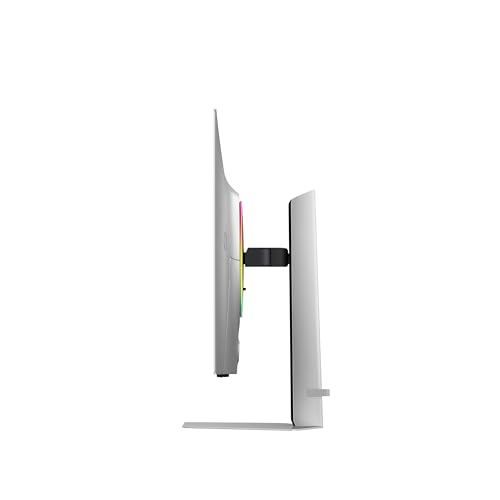
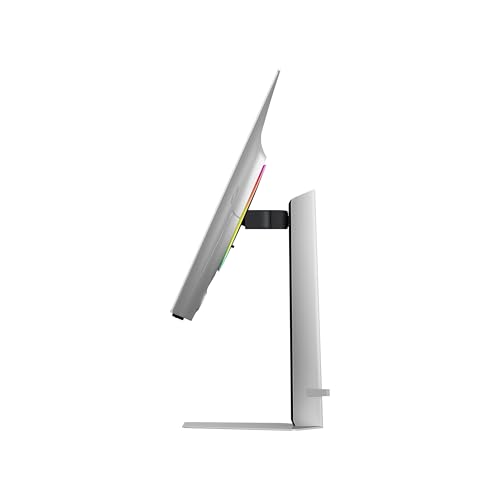
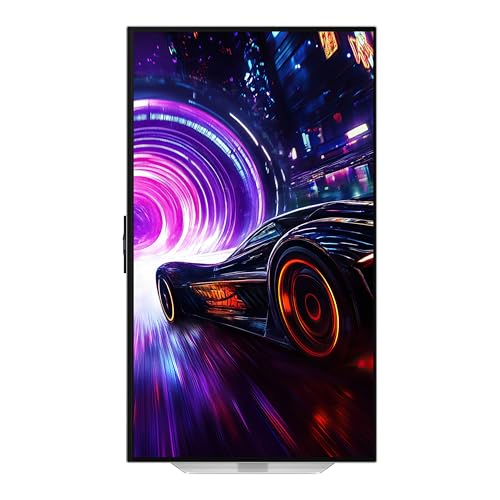
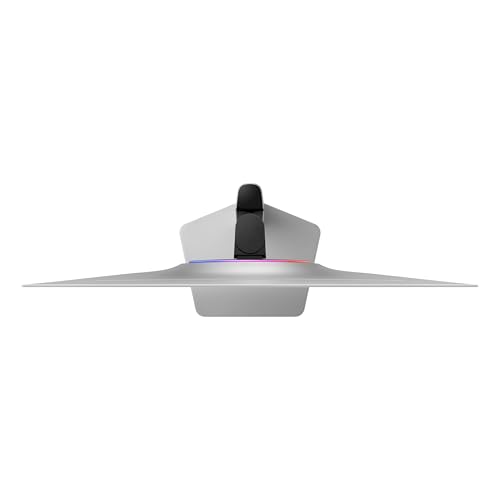
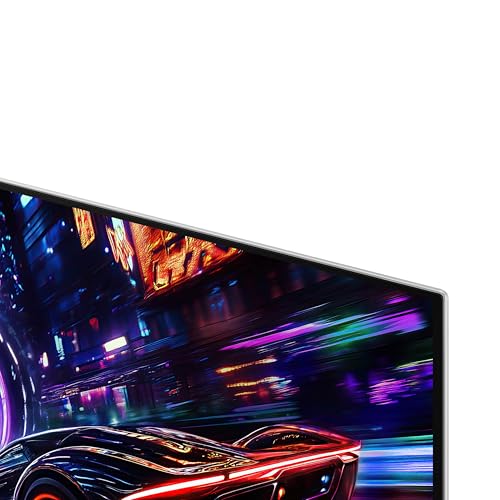
SAMSUNG 32” Odyssey QD-OLED G8 (G81SF), 4K, 240Hz Gaming Monitor | DisplayHDR True Black 400, AMD FreeSync™ Premium Pro, G-Sync Compatibile, 3 Yr Warranty, LS32FG810SNXZA, 2025
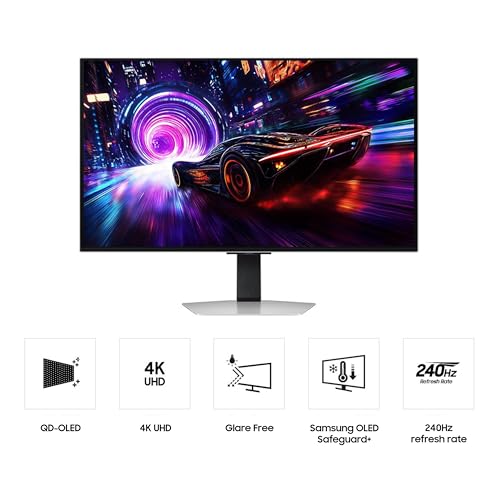
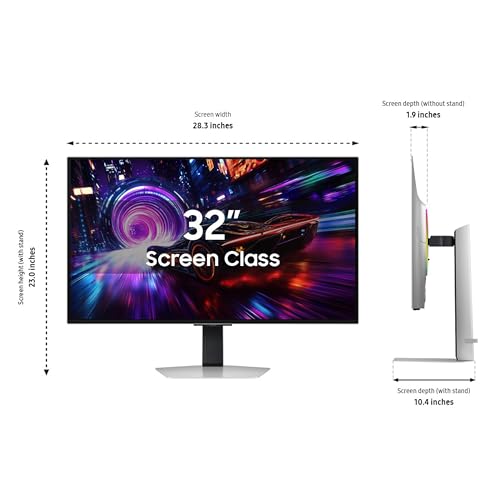
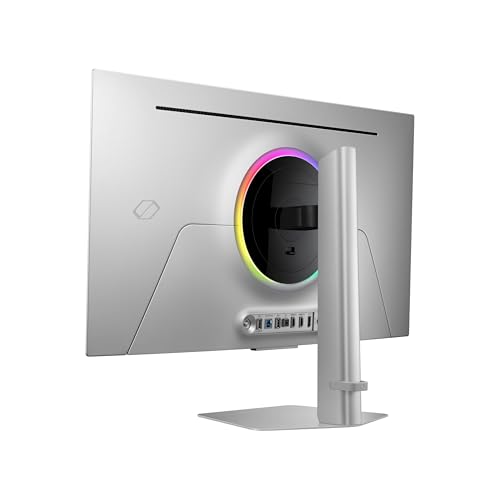
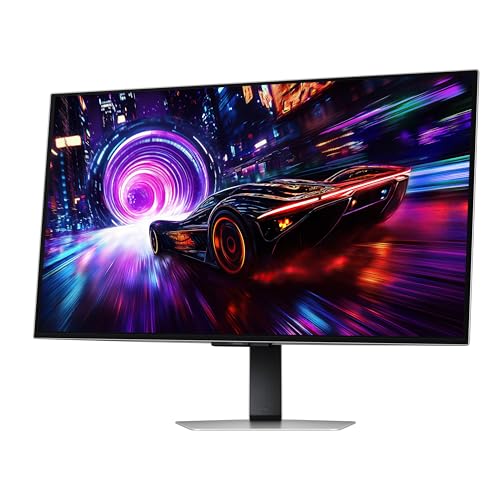
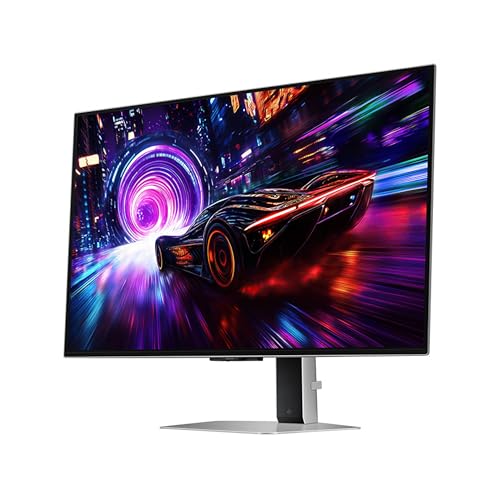
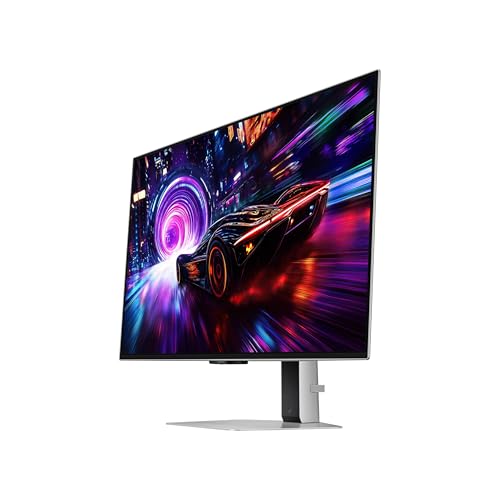


As an Amazon Associate we earn from qualifying purchases. Product prices and availability are accurate as of the date/time indicated.
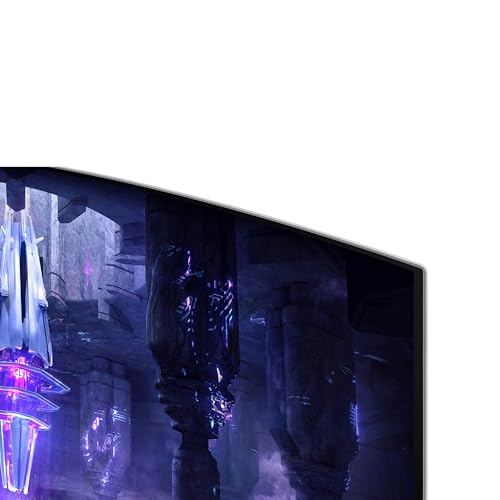
Samsung 34' Odyssey G85SB Series QD-OLED Ultra WQHD Curved Gaming Monitor, 175Hz, 0.03ms, DisplayHDR True Black 400, AMD FreeSync Premium Pro, Advanced Game Streaming, LS34BG850SNXZA




As an Amazon Associate we earn from qualifying purchases. Product prices and availability are accurate as of the date/time indicated.

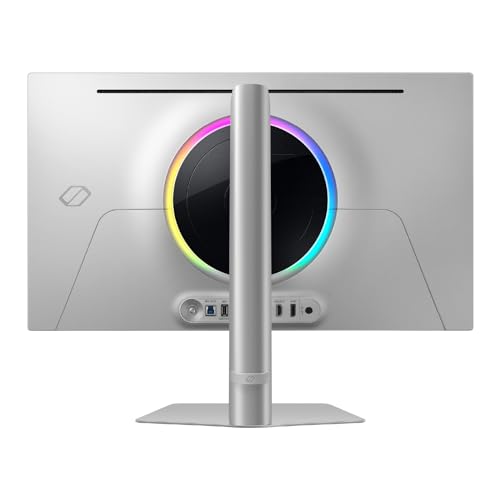
Samsung 27” Odyssey OLED G6 (G60SD) Series Gaming Monitor with QHD & QD-OLED, 360Hz 0.03ms, AMD FreeSync Premium Pro, Anti-Glare, Sleek Design, Cooling System, 3 Year Warranty, LS27DG602SNXZA




As an Amazon Associate we earn from qualifying purchases. Product prices and availability are accurate as of the date/time indicated.

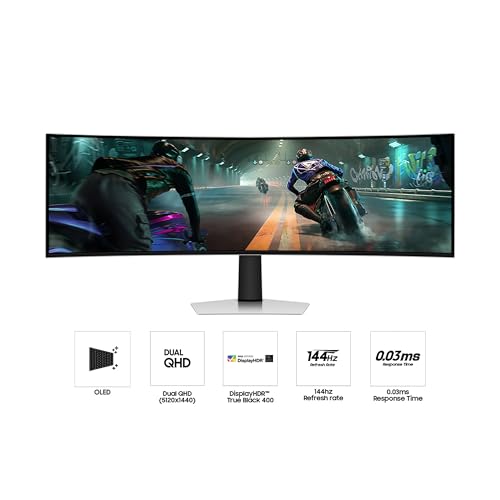
Samsung 49" Odyssey OLED G9 (G91SD) Dual QHD QD-OLED Curved Gaming Monitor | 144Hz, 0.03ms, G-Sync Compatible, AMD FreeSync Premium Pro, Ergonomic Stand, 3 Year Warranty (LS49DG910SNXZA)


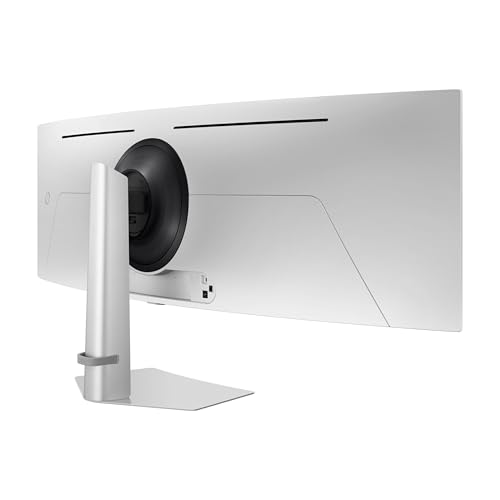



As an Amazon Associate we earn from qualifying purchases. Product prices and availability are accurate as of the date/time indicated.

Samsung 27" Odyssey G8 (G80HF) Gaming Monitor - 5K Resolution, Fast IPS | 180Hz, Dual Mode QHD 360Hz, 218 PPI, DP 2.1, HDR10+ Gaming, 1ms, GSync Compatible, HAS/Tilt/Swivel/Pivot Stand LS27HG802EFXZA


As an Amazon Associate we earn from qualifying purchases. Product prices and availability are accurate as of the date/time indicated.
| Item | What the listing states | What to confirm |
|---|---|---|
| Size and panel | 32-inch QD-OLED | Flat or curved (listing implies flat) |
| Resolution | 4K | Upscaling behaviour for lower-resolution input |
| Refresh rate | 240Hz | Which input reaches 240Hz at 4K |
| Response time | 0.03ms | A seller figure for grey-to-grey transitions, not total lag |
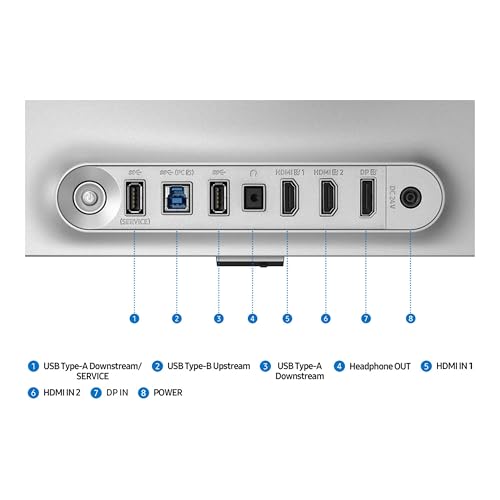
| Ports named | DisplayPort 2.1, USB-C with 96W | HDMI version and count; regional pages show a slightly different USB-C wattage |
| Stand | Height, tilt, swivel, pivot | VESA mount pattern if you use an arm |
| Screen finish | Glare free | Whether blacks look dark in a bright room |
| Protection | OLED Safeguard+, 3-year warranty | Exact burn-in terms in the warranty text |
| Model code | LS32HG802SNXZA (G80SH) | Match this code if you want the same unit |
What the listing title promises and what it leaves out
A long marketplace title is a seller summary, not a spec sheet. Here the useful claims are the 4K QD-OLED panel, the 240Hz figure, DisplayPort 2.1 and the ergonomic stand. Those are the features that decide whether this monitor feels different from the fast IPS panels it replaces.
The title says USB-C at 96W, while some regional Samsung pages quote a slightly higher number. That gap is small, and either figure is enough to charge many thin laptops while carrying a display signal, but heavier workstation laptops can draw more than that under load. If a single-cable desk is the goal, check your laptop charger’s rating and Samsung’s page for your region.
The title does not tell you brightness behaviour. OLED panels commonly dim bright full-screen content to protect themselves, so a mostly white spreadsheet can look different from a small bright highlight in a dark game scene. It also does not list the HDMI version, the number of USB ports, or the speaker situation. Treat all of those as “check the listing” items.
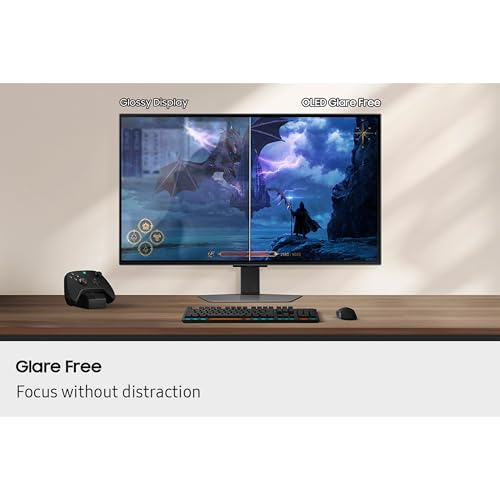
The glare-free description matters for OLED specifically. Glossy OLED panels give very deep blacks in a dark room but reflect lamps and windows. A matte-style coating scatters ambient light, which helps in a bright office but can lift black levels slightly. Neither choice is wrong; match it to your lighting.
Specs that change how the monitor feels
Pixel density and sharpness
At 32 inches and 3840 by 2160, the pixel density works out to about 138 PPI. That is high enough that text looks crisp at 100 to 125 percent Windows scaling and that the screen feels noticeably finer than a 27-inch QHD panel at about 109 PPI. The table below calculates density for every Odyssey listing in this group so you can compare on the same basis.
| Listing | Resolution | Size | Approx. PPI | Pixels per frame |
|---|---|---|---|---|
| Odyssey OLED G8 G80SH | 3840 x 2160 | 32 in | 138 | 8.3 million |
| Odyssey QD-OLED G8 G81SF | 3840 x 2160 | 32 in | 138 | 8.3 million |
| Odyssey G85SB ultrawide | 3440 x 1440 | 34 in | 110 | 5.0 million |
| Odyssey OLED G6 G60SD | 2560 x 1440 | 27 in | 109 | 3.7 million |
| Odyssey OLED G9 G91SD | 5120 x 1440 | 49 in | 109 | 7.4 million |
| Odyssey G8 G80HF (Fast IPS) | 5120 x 2880 | 27 in | 218 | 14.7 million |
Pixel counts and density come from simple geometry using the resolutions in each title and the standard pixel counts for those names; confirm the native resolution on each product page.
Why QD-OLED matters
QD-OLED is a panel type that pairs self-lit pixels with a quantum-dot colour layer. In practice that means per-pixel black, very fast pixel transitions and wide colour coverage. The listing’s 0.03ms figure reflects that speed, but remember that a response number says nothing about input lag, which depends on the scaler and the settings you choose.
Refresh rate versus resolution
A 240Hz panel is only useful when your graphics card produces frames that fast. At 4K that is demanding for any current game at high settings. Plenty of people will run this monitor at 120 to 165 frames per second in demanding titles and use the extra headroom in lighter games and desktop motion. That is a perfectly good outcome, but it is worth being honest about before paying for a 240Hz number.
Reading the HDR, sync and port claims
The two 32-inch listings use different HDR wording. The G81SF title names DisplayHDR True Black 400, a VESA tier that is built around OLED-style deep blacks rather than very high peak brightness. The G80SH title in the main listing leaves the HDR tier out, so look up the certification on Samsung’s page instead of assuming it matches. A higher tier number is not automatically better for an OLED; True Black tiers are written for panels that can switch pixels fully off.
Sync labels deserve the same care. FreeSync Premium Pro and G-Sync Compatible are both variable refresh rate labels, and they mean the monitor can match its refresh rate to the frame rate of your game on supported cards. OLED panels can show slight brightness changes in dark scenes when the frame rate swings widely, so a frame rate cap just under the maximum refresh rate is a sensible habit if you notice flicker. That is general behaviour of the panel type, not a claim about this unit.
Finally, ports. Count what you actually plug in: a graphics card on DisplayPort, a console on HDMI, a laptop on USB-C. A monitor with one DP 2.1 port and one HDMI port is enough for many desks, but a three-device desk may need a switch or an alternate model.
Who the 32-inch Odyssey OLED G8 suits
- Mixed-use desks. One display for games, films, photo browsing and office work, with USB-C carrying video and charging from a single laptop cable.
- Single-player and cinematic games. Dark scenes benefit from per-pixel black, and 4K detail rewards visually rich games.
- Owners of a strong GPU. If your card can already hold 90 to 120 frames per second at 4K in your favourite games, the panel has something to work with.
- Shared monitor setups. The pivot and height adjustments make it simple to angle for different users.
Who should skip it
- Competitive players on mid-range GPUs. A 27-inch QHD panel at 360Hz, such as the G60SD in this set, puts less load on the card and may feel faster.
- People who keep static windows open for long shifts. Heavy spreadsheet, coding or trading layouts with fixed toolbars are the classic case for caution on any OLED.
- Buyers in a very bright room with no way to dim it. Check how the glare-free coating behaves in your lighting before committing.
- Anyone who needs an exact model match. The family has several near-twin listings, covered below.
Questions to ask before you buy
- Does my graphics card have DisplayPort 2.1 or support Display Stream Compression at 4K and 240Hz?
- Does the laptop I plan to dock draw more than the USB-C wattage listed?
- Do the seller and Samsung agree on the model code, and is it the G80SH I intend to buy?
- What exactly does the warranty say about image retention and burn-in?
- Will my room lighting suit a glare-free OLED, or would I prefer a glossy finish?
- Do I need a stand at all, or will I mount it on a VESA arm?
Five related Samsung listings in this group
These are the nearest options from the same product set. Titles are seller descriptions; confirm each specification on the manufacturer page. For a wider look at self-lit panels from several brands, see our comparison of OLED gaming monitors, and for a Samsung-only list sorted by job, the Samsung monitor roundup covers the Odyssey and ViewFinity lines.
Samsung Odyssey QD-OLED G8 (G81SF), 32-inch 4K
This is the near twin of the main listing: 32-inch, 4K, 240Hz, QD-OLED, with DisplayHDR True Black 400, FreeSync Premium Pro and G-Sync compatibility named in the title. The wording of the title has typos and a year stuck on the end, so read it carefully. The practical difference to investigate is the port and stand list, because the main listing highlights DP 2.1, USB-C charging and a pivoting stand while this one does not mention them.
Pros
- Same size, resolution and refresh figures as the main listing
- Variable refresh support spelled out for both major GPU vendors
Cons
- Title does not mention USB-C power or DP 2.1
- Typos in the listing suggest checking details on Samsung’s page
Samsung Odyssey G85SB, 34-inch ultrawide QD-OLED
A curved ultrawide at 3440 by 1440 and 175Hz. It is less sharp than the 4K models but much easier on a graphics card, with about 5 million pixels per frame versus 8.3 million. The title also mentions Advanced Game Streaming and DisplayHDR True Black 400. The title writes the size with an apostrophe instead of an inch mark, another reminder that these headlines are loosely written.
Pros
- Wide field of view for racing, simulators and open-world games
- Lighter GPU load than 4K
Cons
- Lower pixel density, about 110 PPI
- Curved ultrawide can be awkward for pivoting or shared screens
Samsung Odyssey OLED G6 (G60SD), 27-inch QHD
The speed-first choice: 27-inch QHD at 360Hz with a QD-OLED panel, FreeSync Premium Pro, an anti-glare finish and a cooling system named in the title. At 3.7 million pixels per frame it is far less demanding than 4K, so high frame rates in esports titles are realistic on mid-range hardware. The trade-off is lower pixel density and a smaller canvas.
Pros
- Highest refresh figure in the set
- Easy on the GPU
Cons
- Text is less sharp than at 4K
- No USB-C or DP 2.1 named in the title
Samsung Odyssey OLED G9 (G91SD), 49-inch dual QHD
A 49-inch curved super-ultrawide at 5120 by 1440 and 144Hz, with G-Sync compatibility and FreeSync Premium Pro. It behaves like two QHD monitors side by side, and its pixel load of about 7.4 million is close to 4K. Desk depth and neck rotation are the practical limits; measure your desk before you consider it.
Pros
- Immersive for simulators and wide-view work
- Replaces a dual-monitor desk
Cons
- Large and heavy footprint
- Lower refresh rate than the 27-inch models
Samsung Odyssey G8 (G80HF), 27-inch 5K Fast IPS
This one is not an OLED. The title lists 5K resolution on a Fast IPS panel, 180Hz, a dual mode that drops to QHD at 360Hz, 218 PPI, DP 2.1 and HDR10+ Gaming. It is the sharpest panel in the group for text, and the dual-mode trick is useful for people who want sharp work and fast play. It lacks the contrast of an OLED and will not give black pixels. Treat it as an alternative, not a like-for-like option.
Pros
- Extremely sharp text and images
- No burn-in concerns of the same kind as OLED
Cons
- IPS contrast is lower than OLED
- 5K is very demanding on a GPU
Buying checklist with a worked example
Use this to decide whether 4K at 240Hz fits your hardware before you spend. The numbers below are estimates built on stated assumptions, not measurements.
Step 1: estimate the data rate your cable must carry
Assume 3840 by 2160 pixels at 240Hz and 10-bit colour (30 bits per pixel). Multiply: 8,294,400 pixels times 240 frames times 30 bits is about 59.7 billion bits per second of raw pixel data, or about 47.8 Gbps at 8-bit colour. That ignores blanking intervals and compression. A DisplayPort 1.4 link carries far less than this without compression, so either DP 2.1 or Display Stream Compression is needed. Check that your graphics card supports one of them.
Step 2: estimate the GPU load
Assume a game that averages 120 fps on your card at 2560 by 1440 and is entirely limited by GPU speed. A 4K frame has 2.25 times as many pixels. A rough, pessimistic scaling gives 120 divided by 2.25, or about 53 fps. Real games often scale better than linear, but it shows why 4K at 240Hz is mainly a target for lighter games.
Step 3: compare the options on one page
| Your situation | Better fit | Why |
|---|---|---|
| Strong GPU, mixed use, one cable laptop dock | 32-inch G80SH | 4K sharpness, USB-C and DP 2.1 in the title |
| Mid-range GPU, competitive shooters | 27-inch G60SD | 360Hz at QHD, light pixel load |
| Racing and simulators | 34-inch G85SB or 49-inch G91SD | Wide field of view |
| Text-heavy work, no OLED wear worries | 27-inch G80HF | 5K sharpness on Fast IPS |
| Want a cheaper near-twin of the 4K model | G81SF | Same headline figures, verify ports first |
Step 4: confirm the fine print
Open Samsung’s regional page for the exact model code, read the warranty text on burn-in, and check the return window of the seller. If anything in the listing disagrees with Samsung’s page, the manufacturer page wins.
Everyday OLED habits that help
Whichever model you pick, a few habits reduce the chance of ghost images. Set the taskbar to auto-hide, use a dark theme where it suits you, let the monitor run its own pixel refresh routines when it asks, and vary your wallpaper and window layout. Turn the display off when you step away rather than leaving a static page on screen. Follow the manufacturer’s instructions for any panel care cycle, and avoid maximum brightness on static content for hours at a time.
Verdict
The 32-inch Odyssey OLED G8 is a strong match for a high-end PC with a capable GPU and a desk that doubles as a workstation. The listing’s strongest points are the 4K QD-OLED panel, the 240Hz rating, DisplayPort 2.1 and the USB-C connection. Its weak points are the demand on the graphics card, normal OLED care, and a near-twin listing that can cause an accidental wrong order. If frame rate is your priority over sharpness, the 27-inch G60SD is the better fit; if you want very sharp text without OLED, look at the G80HF.
Related guides
- Helping Hands Soldering Station With Magnifier
- Bench Power Supply For Electronics Hobbyists
- Is 8000Hz Polling Rate Worth It For 144Hz Monitor
Frequently asked questions
Is the Samsung Odyssey G8 OLED a 4K monitor?
The 32-inch G80SH listing describes a 4K QD-OLED panel with a 240Hz refresh rate, so yes. Do not assume every monitor with G8 in its name matches, though. The 27-inch G80HF in the same family is a Fast IPS panel with 5K resolution, and the 34-inch G85SB is ultrawide QHD. Check the full model code in the listing title before ordering, and confirm on Samsung’s specification page.
Does the monitor need DisplayPort 2.1 to reach 240Hz at 4K?
Not strictly. Uncompressed 4K at 240Hz needs roughly 48 to 60 Gbps of pixel data before blanking, which is why DP 2.1 helps, but Display Stream Compression lets many graphics cards drive high refresh rates over older ports. Compression support varies by GPU and cable, so read your graphics card’s port specifications and use the cable that ships with the monitor or a certified one.
What is OLED Safeguard+ and does it prevent burn-in?
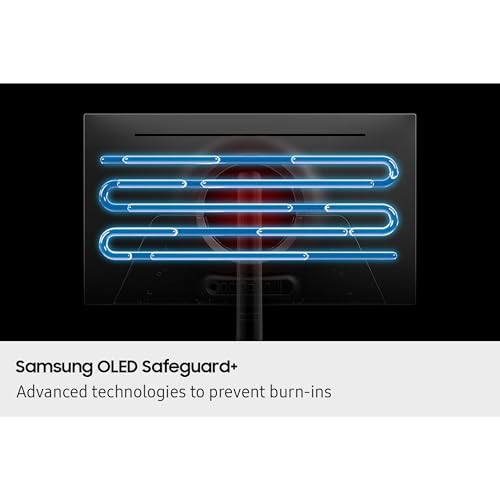
The listing names OLED Safeguard+ as a protection feature and mentions a three-year warranty. Features like this are meant to reduce the risk of static-image wear, not remove it. Read the warranty terms to see whether burn-in is covered and what usage is excluded, and keep static elements such as taskbars and HUDs from sitting unchanged for many hours a day.
Is the 32-inch 4K model better than the 27-inch QHD Odyssey OLED G6?
It depends on what your graphics card can drive. The G6 listing is 27-inch QHD at 360Hz, which asks far less of a GPU and suits competitive shooters. The G8 listing trades refresh rate for sharper text and a larger canvas at 4K and 240Hz. Pixel density at 32-inch 4K is about 138 PPI versus about 109 PPI at 27-inch QHD.
Which listing in this set is not actually an OLED?
The 27-inch Odyssey G8 G80HF is a Fast IPS monitor according to its own title, with 5K resolution and a dual-mode QHD 360Hz option. It shares the G8 name but not the OLED panel. If you want the self-lit pixels and deep blacks the keyword implies, that listing is a different product type and should be judged as an IPS alternative.
Can I use it with a laptop over a single USB-C cable?
The title states USB-C with 96W, which is enough to charge many thin-and-light laptops while passing video, provided the laptop’s port supports DisplayPort Alt Mode. Gaming laptops with high-wattage chargers may still need their own power brick. Check your laptop’s port specification and charger rating, and use a cable rated for both power and video.




