
Our Top Picks
 AOC 27" Gaming Monitor QHD 260Hz Overclocked IPS27" 240Hz IPS7.46 x 24.17 x 17.7 InchesCheck on Amazon
 MONITOR Acer Nitro 27in QHD 2560x1440 IPS 240Hz27-inch9.2 x 24.2 x 18 Inches11.5 PoundsCheck on Amazon
 ASUS ROG XG27AQDMGR 27 Inch 1440p 240Hz Glossy14.5" x 23.8" x 2.5"7.4 x 23.8 x 19.7 Inches14.6 PoundsCheck on Amazon
 AOC 27" Gaming Monitor QHD 240Hz QD OLED27" 240Hz Height Adjustable9.45 x 23.99 x 21.17 InchesCheck on Amazon
The AOC Q27G41ZE is the safest value pick on this list: its title spells out a 2560×1440 IPS panel, 240Hz native with an overclock mode, G-SYNC Compatible support and a 3-year warranty. The two OLED listings from ASUS, AOC and LG form the premium end for motion clarity. Ten 27-inch monitors are compared below using titles, manufacturer documentation and published specifications, and a few have title quirks worth knowing before you click buy.
Top picks at a glance
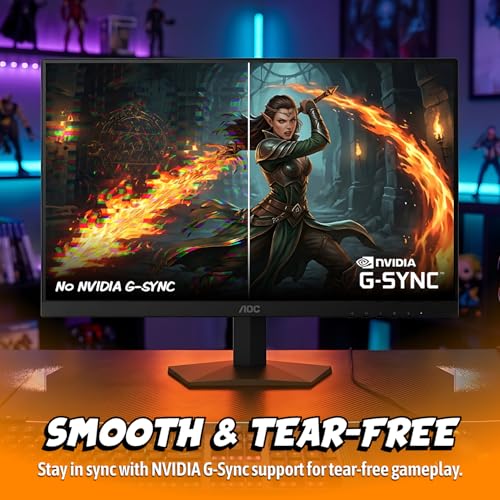
AOC 27" Gaming Monitor QHD 260Hz Overclocked IPS NVIDIA G-SYNC Q27G41ZE | 2560×1440 Computer Monitor, 240Hz Native / 260Hz OC, NVIDA G-SYNC Compatible, 0.3ms, HDR, VESA, Audio Out, 3-Yr Warranty




As an Amazon Associate we earn from qualifying purchases. Product prices and availability are accurate as of the date/time indicated.

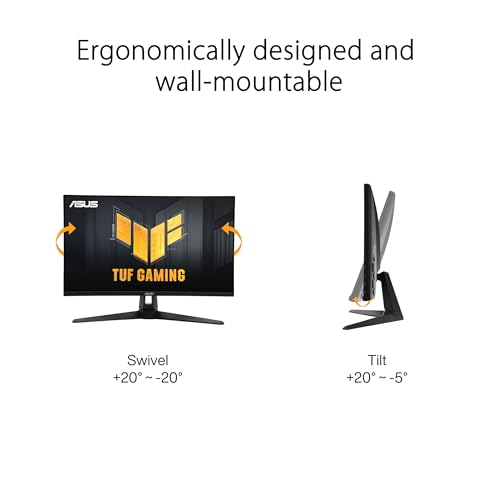
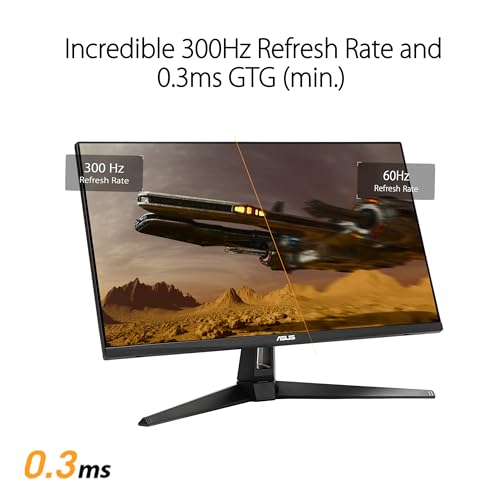
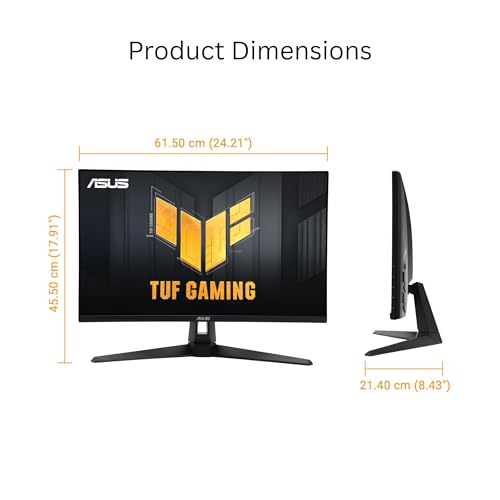
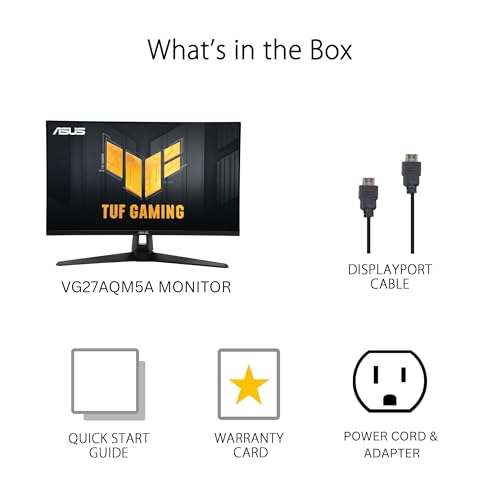
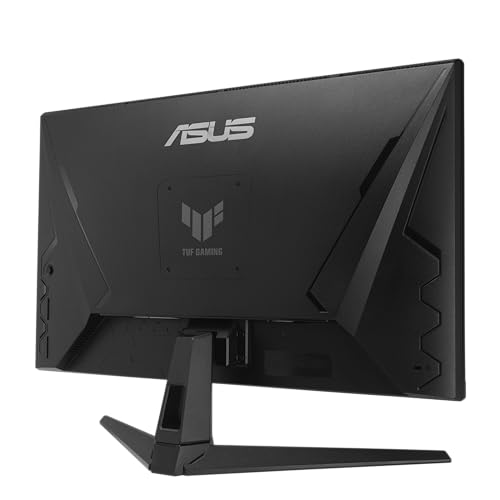
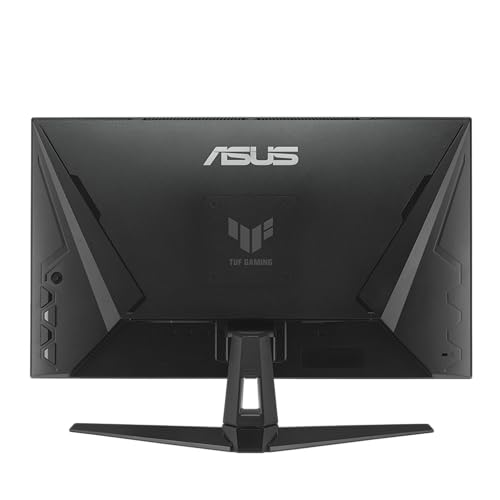
ASUS TUF Gaming VG27AQM5A 27 Inch 1440p 300Hz G-SYNC Gaming Monitor | Fast IPS,ELMB Sync, 95% DCI-P3, Built-In Speakers, Shadow Boost, DisplayWidget Center, 0.3ms, for PS5 and Xbox







As an Amazon Associate we earn from qualifying purchases. Product prices and availability are accurate as of the date/time indicated.
MONITOR Acer Nitro 27in QHD 2560x1440 IPS 240Hz Gaming XV272U W2bmiiprx | 0.5ms, AMD FreeSync Premium, sRGB 99%, 2xHDMI, DisplayPort, VESA HDR400, Ergo Stand, Speaker, VESA Mountable


As an Amazon Associate we earn from qualifying purchases. Product prices and availability are accurate as of the date/time indicated.

SANSUI Gaming Monitor 27" 1440p 260hz/240hz WQHD 2K - Fast IPS 1ms FreeSync Premium 丨DCI-P3 98% 丨sRGB130% 丨HDR10 丨2×DisplayPort 1.4丨2×HDMI2.0 PC Gaming Monitor with Crosshair


As an Amazon Associate we earn from qualifying purchases. Product prices and availability are accurate as of the date/time indicated.
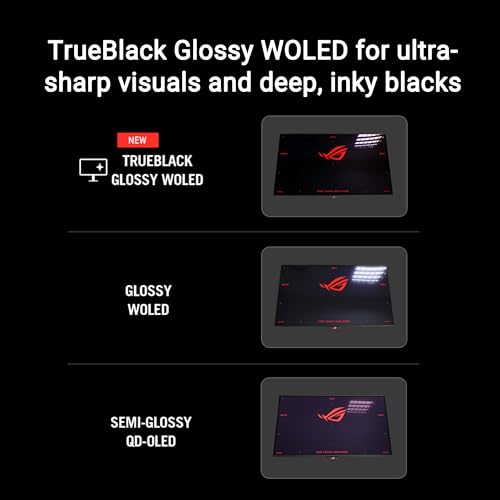
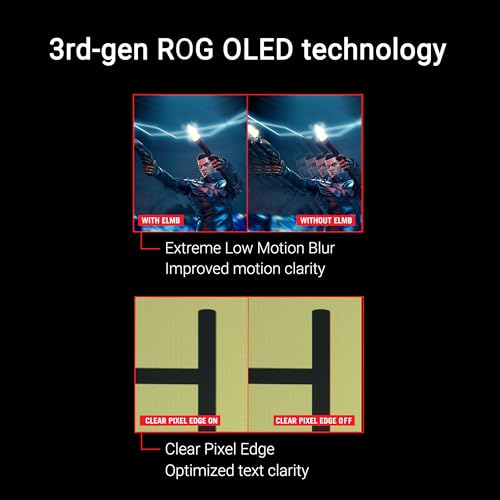
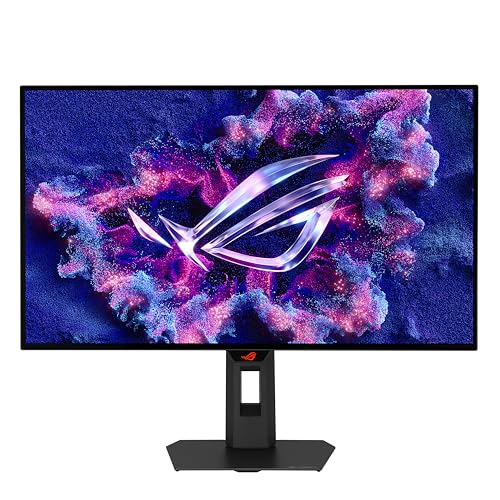
ASUS ROG XG27AQDMGR 27 Inch 1440p 240Hz Glossy OLED HDR Gaming Monitor | 0.03ms, OLED Care Pro, TrueBlack Glossy, Neo Proximity Sensor, ELMB Sync, DisplayHDR 400, DCI-P3 99%, for PS5 and Xbox





As an Amazon Associate we earn from qualifying purchases. Product prices and availability are accurate as of the date/time indicated.
AOC 27" Gaming Monitor QHD 240Hz QD OLED NVIDIA G-SYNC Compatible Q27GAZDV | 2560×1440 Computer Monitor, 0.03ms, True Black HDR, USB 3.2, HDMI 2.1, Height Adjustable Stand, VESA Mount, 3-Year Warranty


As an Amazon Associate we earn from qualifying purchases. Product prices and availability are accurate as of the date/time indicated.

CUNPU 27 Inch 1440P 240Hz Gaming Monitor, Fast IPS, 1ms GTG QHD Gamer Monitor, FreeSync & G-Sync, HDR, 128% sRGB, Height/Pivot/Tilt/Swivel Vertical Monitor, Built-in Dual Speaker, HDMI/DP


As an Amazon Associate we earn from qualifying purchases. Product prices and availability are accurate as of the date/time indicated.

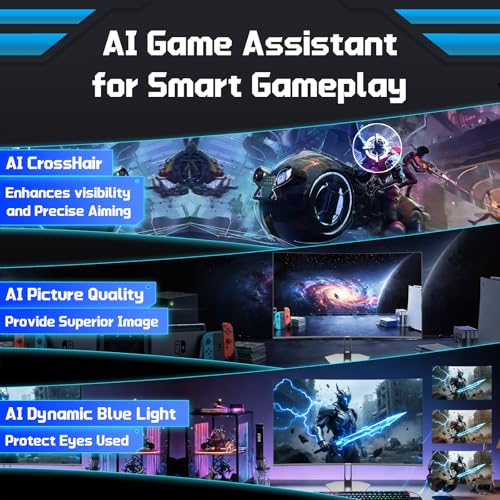
Hikers 27 Inch Curved Gaming Monitor 280Hz 240Hz 1ms 2K Gaming Monitor | 2K WQHD 1440P HDMI 2.1×2 & DP 1.4×1 Fast VA 5000:1 Contrast, 134% sRGB 1500R VESA (G27H1Q Pro Includes One HDMI 2.1 Cable)




As an Amazon Associate we earn from qualifying purchases. Product prices and availability are accurate as of the date/time indicated.

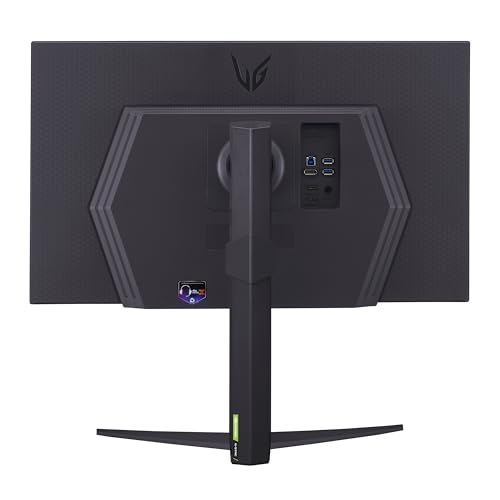
LG 27GR83Q-B 27-inch Ultragear QHD (2560x1440) IPS Gaming Monitor, 240Hz, 1ms, DisplayHDR 400, G-Sync AMD FreeSync Premium, HDMI 2.1 DisplayPort, 4-Pole HP Out DTS GP:X, Tilt/Height/Pivot Stand, Black






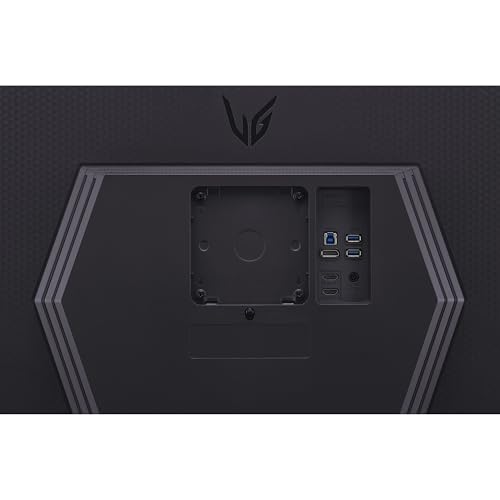


As an Amazon Associate we earn from qualifying purchases. Product prices and availability are accurate as of the date/time indicated.

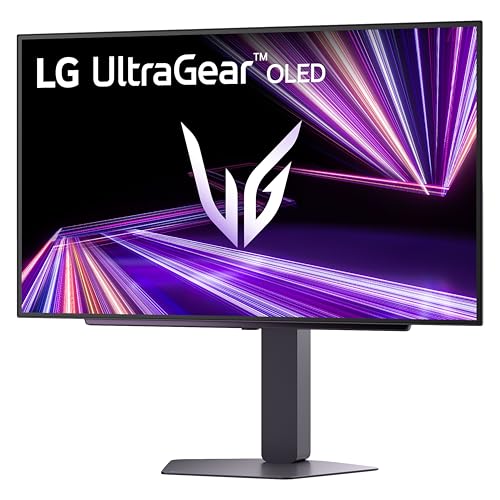
LG 27GX704A-B 27-inch Ultragear QHD (2650x1440) OLED Gaming Monitor 240Hz, 0.03ms, NVIDIA G-Sync Compatible, AMD FreeSync Premium Pro, VESA Display HDR TrueBlack400, HDMI 2.1, DisplayPort, Black


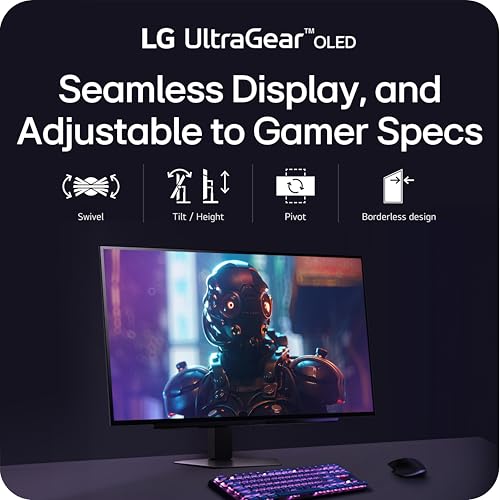


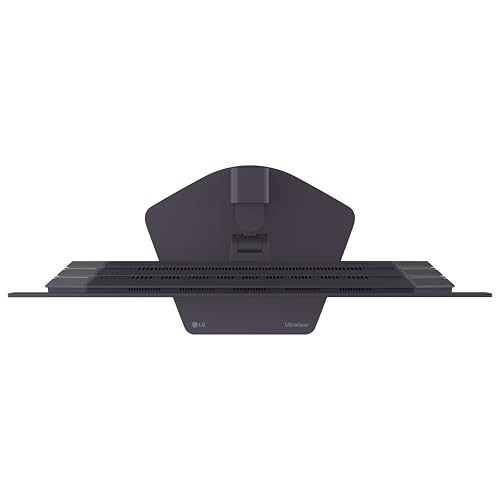




As an Amazon Associate we earn from qualifying purchases. Product prices and availability are accurate as of the date/time indicated.
| Model | Key point from the title | Price tier | Best for |
|---|---|---|---|
| AOC Q27G41ZE | IPS, 240Hz native, 260Hz overclock, G-SYNC Compatible, 3-year warranty | Budget | Value 1440p with a safety net |
| ASUS TUF VG27AQM5A | Fast IPS, 300Hz, ELMB Sync, 95% DCI-P3 | Mid | Headroom above 240Hz |
| Acer Nitro XV272U | IPS, 240Hz, FreeSync Premium, HDR400, ergonomic stand | Mid | Desk flexibility |
| SANSUI 27 inch | Fast IPS, 260/240Hz, 2 DisplayPort, crosshair | Budget | Many ports on a tight budget |
| ASUS ROG XG27AQDMGR | Glossy OLED, 240Hz, 0.03ms, OLED care features | Premium | Motion clarity, dark rooms |
| AOC Q27GAZDV | QD OLED, 240Hz, HDMI 2.1, USB 3.2, 3-year warranty | Premium | OLED with a warranty |
| CUNPU 27 inch | Fast IPS, 240Hz, pivot stand, speakers | Budget | Lowest tier, vertical use |
| Hikers curved | Curved Fast VA, 280/240Hz, 2 HDMI 2.1 | Budget | Contrast and curve fans |
| LG 27GR83Q-B | IPS, 240Hz, HDMI 2.1, DisplayHDR 400, height stand | Mid | Established brand, IPS |
| LG 27GX704A-B | OLED, 240Hz, HDMI 2.1, FreeSync Premium Pro | Premium | LG OLED shoppers |
What matters at 1440p and 240Hz
A 1440p monitor with a 240Hz ceiling sits at an odd crossing point. The resolution asks about 1.78 times the pixel work of 1080p, while the refresh rate asks your graphics card for a very high frame rate. Few games reach both together, so the screen is partly an investment in future hardware and partly a way to make fast competitive titles feel smoother.
Three questions decide most purchases. First, which panel type suits your room and games: IPS, VA or one of the OLED variants. Second, whether your graphics card can feed the screen through a cable that carries 1440p at 240Hz. Third, whether the stand and warranty fit your desk and risk tolerance. The sections below deal with all three.
Nobody on the team used or measured these units. Claims such as response times of 0.03ms or 0.3ms are manufacturer figures for specific test conditions, and the HDR labels in titles say less than a measurement would, so read them as hints, not guarantees.
The ten monitors
AOC Q27G41ZE 27-inch QHD IPS
The title packs the most buyer-friendly facts of any budget listing: 2560×1440, IPS, 240Hz native with a 260Hz overclock, G-SYNC Compatible, a 0.3ms claim, HDR label, VESA support, audio out and a 3-year warranty. Notice the phrase “260Hz Overclocked” in the heading, then “240Hz Native” in the body; the native figure is what you can count on, and overclock modes are optional extras.
It suits a player moving up from 1080p who wants 1440p for shooters and open-world games without spending on OLED. The warranty is a practical edge among cheap listings. Ask whether you want built-in speakers; the title mentions audio out but no speakers, so headphones or external speakers may be needed. Check the listing for the stand’s adjustments, which the title leaves out.
The HDR label should be treated cautiously on an IPS panel at this tier, since peak brightness and local dimming are rarely strong.
- Pros: clear 240Hz native claim with a 3-year warranty
- Pros: G-SYNC Compatible and VESA mounting
- Cons: HDR is a label more than a feature at this tier
- Cons: stand adjustments are not in the title
ASUS TUF Gaming VG27AQM5A 300Hz
This listing exceeds the keyword: it is a 27-inch 1440p Fast IPS monitor rated at 300Hz with G-SYNC, ELMB Sync (a motion blur reduction feature that works with variable refresh), 95% DCI-P3, Shadow Boost, built-in speakers, DisplayWidget Center software and a PS5 and Xbox mention. It can run at 240Hz as easily as at 300Hz.
It is the pick if you want headroom for a future graphics card or play esports titles where frame rates climb very high. Console buyers should note the PS5 and Xbox mention, but console output at 1440p depends on the console and the port, so read the compatibility notes. Ask whether you will ever use more than 240Hz; if not, the cheaper AOC may be enough.
The title says G-SYNC without the word compatible; confirm whether a module is present on the product page.
- Pros: 300Hz headroom and built-in speakers
- Pros: ELMB Sync and a wide DCI-P3 claim
- Cons: higher tier than 240Hz IPS peers
- Cons: extra refresh needs a very strong GPU to matter
Acer Nitro XV272U W2bmiiprx
The Nitro listing is full of Acer’s model-code clutter, but the details are good: 27 inch QHD IPS, 240Hz, 0.5ms, AMD FreeSync Premium, sRGB 99%, two HDMI inputs plus DisplayPort, a VESA HDR400 label, an ergonomic stand, a speaker and VESA mounting. The stand is the item to prize, since many cheaper monitors tilt only.
It suits a shared desk with a console and PC: two HDMI ports and a DisplayPort give flexible switching. Ask which HDMI version the ports use, because the title does not give it, and whether 1440p at 240Hz is only available over DisplayPort, which is the usual pattern when HDMI is 2.0. Check the listing for stand range and USB ports.
FreeSync Premium suits AMD cards natively and often works with NVIDIA cards too, but the title does not mention G-SYNC.
- Pros: ergonomic stand and a mix of HDMI and DisplayPort
- Pros: sRGB 99% suits mixed work and play
- Cons: HDMI version not stated
- Cons: no G-SYNC wording in the title
SANSUI 27-inch 1440p Fast IPS
The SANSUI listing claims 260Hz and 240Hz, Fast IPS, 1ms, FreeSync Premium, DCI-P3 98%, “sRGB130%”, HDR10, two DisplayPort 1.4 inputs, two HDMI 2.0 inputs and a crosshair feature. The sRGB percentage above 100 refers to gamut volume against the standard and is a marketing way of saying wide gamut. Two DisplayPorts are a real strength for a multi-PC desk.
It fits a budget-minded gamer who wants to connect two computers by DisplayPort. The HDMI 2.0 ports will not run 1440p at 240Hz, so use DisplayPort for the top refresh rate. The crosshair feature draws an overlay on screen; check the maker’s guidance on whether your competitive game allows it. Ask about the brand’s warranty and support, since the title does not mention either.
- Pros: two DisplayPort 1.4 inputs at a low tier
- Pros: wide-gamut and FreeSync Premium claims
- Cons: lesser-known brand with no warranty claim in the title
- Cons: HDMI ports are version 2.0
ASUS ROG XG27AQDMGR OLED
The ROG listing is a 27-inch 1440p 240Hz glossy OLED with 0.03ms, OLED Care Pro, a TrueBlack Glossy finish, a Neo Proximity Sensor, ELMB Sync, DisplayHDR 400, DCI-P3 99% and a PS5 and Xbox mention. The care features are notable: OLED panels can show burn-in on static images, and the maker has built tools for managing that, so read what they do.
It suits a player who wants fast pixel response and deep blacks and who uses the monitor in a dim room. A glossy surface reflects lamps and windows, so desk position matters. Ask how long the warranty runs and whether it covers burn-in, because the title is silent on both.
It sits at the top of the price range, so expect to pay for the panel type; the closest match in this set is the LG OLED below.
- Pros: OLED response and a wide-gamut claim
- Pros: dedicated care features named in the title
- Cons: premium tier
- Cons: glossy finish and OLED static-image concerns
AOC Q27GAZDV QD OLED
This AOC listing specifies a 27-inch QHD 240Hz QD OLED, G-SYNC Compatible, 0.03ms, True Black HDR, USB 3.2, HDMI 2.1, a height-adjustable stand, VESA mounting and a 3-year warranty. QD OLED combines quantum dots with OLED emitters, which the category is known for strong color; verify details in the maker’s documentation.
The warranty and the USB hub are what set it apart from other OLED titles here: a three-year term is reassuring when the main OLED worry is panel wear. It suits a buyer who wants an OLED with a stand that raises and lowers. Ask whether the warranty includes burn-in and whether the USB ports offer upstream and downstream, as the title does not detail them.
- Pros: OLED with a stated 3-year warranty
- Pros: HDMI 2.1, USB 3.2 and a height-adjustable stand
- Cons: premium tier
- Cons: burn-in terms are not in the title
CUNPU 27-inch Fast IPS
CUNPU offers 27 inch 1440p, 240Hz, Fast IPS, 1ms GTG, FreeSync and G-Sync, HDR, 128% sRGB, a stand with height, pivot, tilt and swivel, dual speakers and HDMI and DisplayPort. The pivot stand is rare at the lowest tier and helps if you want a vertical screen next to the main one.
It targets the tightest budget. The compromise is the unknown brand, so check warranty length and return terms before committing; the title mentions neither. Ask whether the speakers matter to you, since built-in speakers at this tier are usually basic, and whether the HDMI port is a version that supports 1440p at 240Hz, which is unlikely if it is 2.0.
- Pros: fully adjustable stand and speakers at the lowest tier
- Pros: FreeSync and G-Sync support named
- Cons: lesser-known brand with no warranty term in the title
- Cons: HDMI version unclear
Hikers 27-inch Curved 280Hz VA
The Hikers title says 280Hz and 240Hz, 1ms, 2K WQHD, two HDMI 2.1 ports, one DisplayPort 1.4, Fast VA with 5000:1 contrast, 134% sRGB, 1500R curvature, VESA mounting, and notes that one model includes an HDMI 2.1 cable. The double refresh figure is ambiguous, so confirm the highest rate and whether 280Hz is native or overclocked.
VA panels are known for higher contrast than IPS, which suits dark scenes, though viewing angles and smearing differ by panel. Curved monitors suit a single seated viewer; they can feel odd in multi-monitor stacks. Ask whether you prefer the immersive curve, and whether you will mount several screens side by side, where a curve changes the layout.
- Pros: high-contrast VA and two HDMI 2.1 ports
- Pros: low tier with a high refresh claim
- Cons: ambiguous refresh wording and an unknown brand
- Cons: curve and VA behavior are matters of taste
LG 27GR83Q-B UltraGear IPS
The LG listing names QHD IPS, 240Hz, 1ms, DisplayHDR 400, G-Sync and AMD FreeSync Premium compatibility, HDMI 2.1, DisplayPort, a 4-pole headphone out with DTS, and a tilt, height and pivot stand. It is the established-brand IPS here, and the stand is full-featured. The title includes “DTS GP:X”, which looks like a typo for the audio technology name.
It suits a buyer who prefers a known brand’s support network over the lowest tier. At this price, the main question is whether you are paying for the badge, since AOC offers a similar spec set with a longer stated warranty. Ask LG’s page what warranty applies, and verify the HDMI 2.1 port supports your console’s output.
- Pros: established brand, HDMI 2.1 and a full stand
- Pros: headphone out and both adaptive-sync labels
- Cons: higher tier than the AOC IPS
- Cons: title typos and no warranty term
LG 27GX704A-B UltraGear OLED
The second LG is a 27-inch OLED at 240Hz with 0.03ms, G-Sync Compatible, FreeSync Premium Pro, VESA DisplayHDR TrueBlack 400, HDMI 2.1 and DisplayPort. The title lists the resolution as “2650×1440”, an obvious typo for 2560×1440; check the product page to be sure.
It competes directly with the ASUS ROG and AOC OLED listings, and the choice among them will come down to warranty, stand and the maker’s OLED care features. Ask how the three compare on those points, as the LG title mentions none. This is the pick for someone who already trusts LG displays and wants OLED motion.
- Pros: OLED response with both adaptive-sync labels
- Pros: HDMI 2.1 and DisplayPort
- Cons: premium tier
- Cons: resolution typo and no warranty or care details in the title
How to choose a 1440p 240Hz monitor
Panel types compared
| Panel type | Listings in this set | Usual strengths | Usual trade-offs |
|---|---|---|---|
| Fast IPS | AOC Q27G41ZE, TUF, Acer, SANSUI, CUNPU, LG GR83Q | Wide viewing angles, good color | Modest contrast, glow in dark rooms |
| Fast VA | Hikers | High contrast | Smearing and angle shift can vary |
| OLED and QD OLED | ROG, AOC Q27GAZDV, LG GX704A | Near-instant pixel response, deep black | Cost, glossy finish, static-image care |
Cables and ports
Ports decide whether you can use 240Hz at all. DisplayPort 1.4 and HDMI 2.1 are the usual routes. HDMI 2.0 may cap you below 240Hz at 1440p. If your graphics card has only HDMI 2.0, you will see that cap regardless of the monitor.
| Port or cable | Typical status for 1440p 240Hz | Which listings |
|---|---|---|
| DisplayPort 1.4 | Works for 8-bit color | SANSUI, Hikers, LG models, others |
| HDMI 2.1 | Works | AOC OLED, LG models, Hikers, ROG per specs |
| HDMI 2.0 | Usually capped below 240Hz | SANSUI, possibly Acer and CUNPU |
Worked example: bandwidth and frame rate
Assume 2560×1440 at 240Hz in standard 8-bit color. That is about 3.69 million pixels per frame, or roughly 885 million pixels per second. At 24 bits per pixel, the raw video data is near 21 gigabits per second, before blanking overhead. HDMI 2.0 carries about 14.4 gigabits of usable data, which is not enough. DisplayPort 1.4 offers about 25.9 gigabits usable, enough for 8-bit color. HDMI 2.1 has far more room. These are general standards figures, so confirm them against your devices.
Now the GPU side. Suppose a game averages 300 frames per second at 1080p on your card, and it is fully GPU-limited. Moving to 1440p multiplies the pixel load by about 1.78, so expect roughly 170 frames per second if scaling is linear. That is below 240, which is fine with variable refresh but means the panel will not hit its ceiling in that title. Swap in your own numbers.
Which monitor for which player
| If you are… | Lean toward | Watch out for |
|---|---|---|
| Cost-focused with a safety net | AOC Q27G41ZE | HDR label only |
| A competitive FPS player with a strong GPU | ASUS TUF 300Hz or an OLED | Extra refresh needs frames |
| Running a PC and a console | Acer Nitro or LG GR83Q | HDMI version limits |
| Wanting best motion clarity in dim rooms | ROG, AOC QD OLED, LG OLED | Glossy reflections, static images |
| Chasing contrast on a budget | Hikers curved VA | Ambiguous refresh and curve |
Mistakes buyers make
| Mistake | Fix |
|---|---|
| Plugging into HDMI 2.0 and wondering why 240Hz is missing | Use DisplayPort or HDMI 2.1 |
| Paying for 300Hz without the frames | Check your fps first |
| Ignoring warranty on OLED | Ask whether burn-in is covered |
| Trusting HDR labels on entry IPS | Treat them as hints |
| Skipping the stand | Read the adjustments, or plan a monitor stand or arm |
If you plan several screens, our notes on a triple monitor setup and on thin bezel monitors cover the layout side, which matters for a curved panel such as the Hikers.
Verdict by use case
For most buyers, the AOC Q27G41ZE is the sensible IPS choice thanks to its warranty and stated native refresh. Pick the ASUS TUF if you want refresh headroom, the Acer Nitro for stand flexibility, and the LG GR83Q for a known brand. For OLED, the AOC Q27GAZDV is easiest to recommend on paper because the title states a 3-year warranty, while the ROG and the LG GX704A sit close behind. Budget buyers can look at SANSUI, CUNPU or Hikers, with brand and warranty checks first.
Frequently asked questions
Do you need a strong GPU for 1440p at 240Hz?
To fill 240Hz you need roughly 240 frames per second, which only light or older competitive games reach at 1440p on mid-range cards. Heavy modern titles often land far below that. The monitor still works at lower frame rates, and variable refresh keeps motion smooth, so a 240Hz panel is not wasted on a modest GPU.
Which cable runs 1440p at 240Hz?
DisplayPort 1.4 is the usual answer, and HDMI 2.1 also carries it. HDMI 2.0 does not have enough bandwidth for 1440p at 240Hz without compromises. Several listings here carry HDMI 2.0 alongside DisplayPort, so plug into DisplayPort, and check your graphics card has a matching output.
Is OLED better than IPS for a 240Hz gaming monitor?
OLED panels are known for very fast pixel response and deep blacks, which many players prefer for motion clarity and contrast. IPS panels usually cost less and avoid concerns about static images and brightness limits. Read the maker’s care guidance on OLED listings, and weigh your room lighting, since glossy screens reflect.
What is the difference between G-SYNC Compatible and FreeSync?
Both rely on variable refresh rate over the same underlying standard. FreeSync is AMD’s branding and G-SYNC Compatible is NVIDIA’s validation label, and many monitors work with either vendor’s cards. A listing that names both is not unusual. Turn the feature on in the graphics driver and in the monitor menu.
Is a 300Hz or 280Hz monitor a bad buy for a 240Hz search?
Not at all. A panel rated higher than 240Hz can run at 240Hz, and the extra headroom suits future GPU upgrades. The question is price and panel type: faster IPS and VA listings may not look different at your frame rates, so only pay extra if your games can use it.
Should I worry about overclocked refresh rates?
Treat an overclock mode as a bonus. The AOC Q27G41ZE lists 240Hz native and 260Hz overclocked, and the SANSUI lists 260Hz alongside 240Hz. Overclocking can introduce visual artifacts on some units, so use the native rate as your baseline and switch the higher mode on only if the image stays clean.




