
Our Top Picks
Only three of the eight monitors below say “anti-glare” in their titles, and those three are the safest answer to the keyword: the Dell SE2725HM for a tight budget, the Dell S3225QS for 4K and the Dell S3425DW for an ultrawide desk. The rest may well have a matte finish, but their titles stay silent, so you would need to confirm it on the listing. A coating only softens reflections; it does not fix a desk that faces a window. The sections below rank the eight on what is claimed, then run a reflection calculation with stated assumptions so you can judge how much your room matters.
The eight listings at a glance

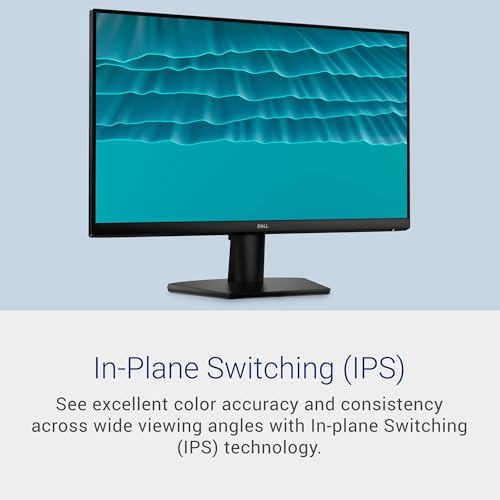
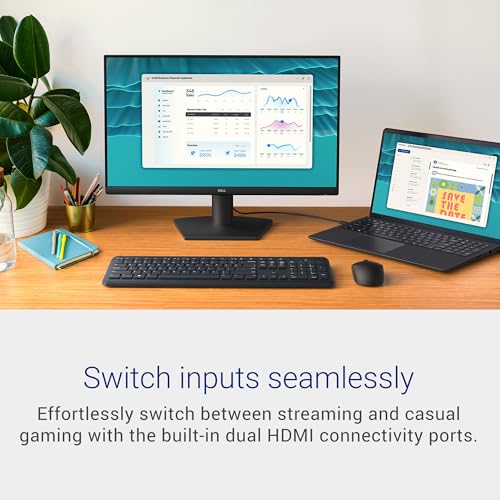
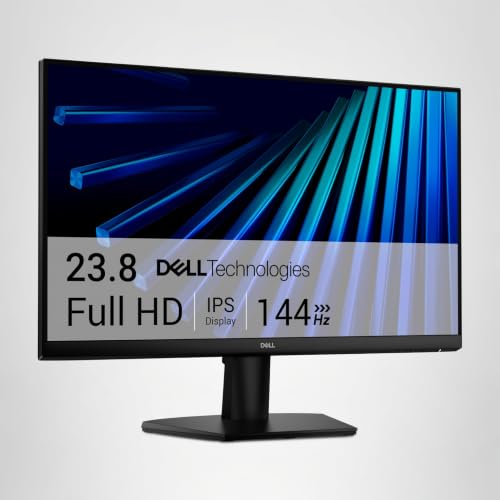
Dell 24 Monitor - SE2426H - 23.8-inch FHD (1920x1080) 144Hz 1ms Display, in-Plane Switching (IPS) Technology, AMD FreeSync™, TÜV 3-Star 2X HDMI, Tilt





As an Amazon Associate we earn from qualifying purchases. Product prices and availability are accurate as of the date/time indicated.
Dell 27 Monitor - SE2726H - 27-inch FHD (1920x1080) 144Hz 1ms Display, in-Plane Switching (IPS) Technology, AMD FreeSync™, TÜV 3-Star 2X HDMI, Tilt
As an Amazon Associate we earn from qualifying purchases. Product prices and availability are accurate as of the date/time indicated.

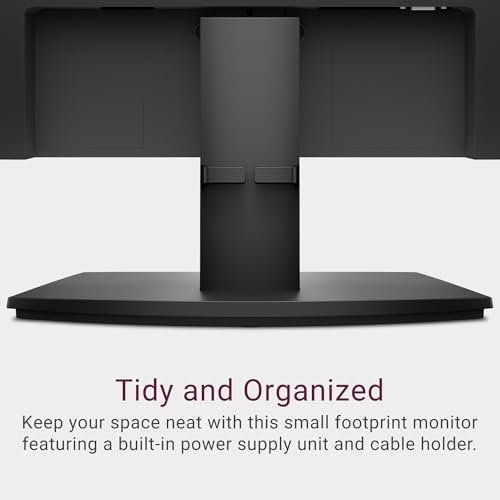
Dell 27 Monitor SE2725HM, FHD, IPS, 100Hz, Eye Comfort, Anti-Glare | HDMI, VGA, 5ms Response, 250 Nit Brightness, 72% NTSC, Tilt Adjust, ENERGY STAR Certified




As an Amazon Associate we earn from qualifying purchases. Product prices and availability are accurate as of the date/time indicated.

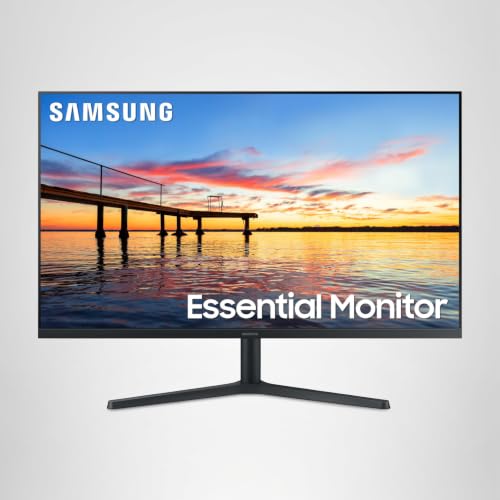
Samsung 32" Flat Computer Monitor | 75Hz Refresh Rate, Borderless Display, AMD FreeSync, Game Mode, Advanced Eye Care, HDMI and DisplayPort, LS32B304NWNXGO, 2024


As an Amazon Associate we earn from qualifying purchases. Product prices and availability are accurate as of the date/time indicated.

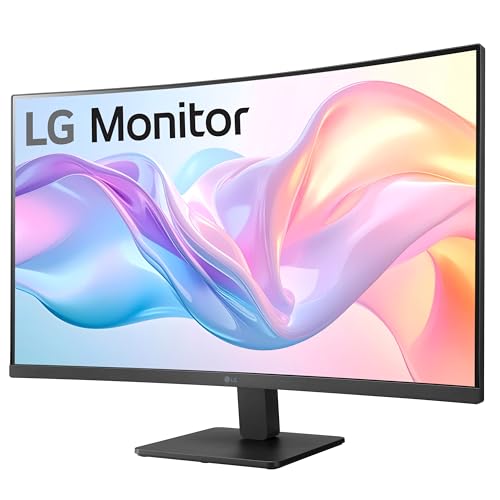
LG 32MR50C-B Curved Monitor 32-Inch FHD 100Hz AMD FreeSync OnScreen Control Dynamic Action Sync Black Stabilizer Tilt Stand (HDMI) - Black




As an Amazon Associate we earn from qualifying purchases. Product prices and availability are accurate as of the date/time indicated.

Dell 32 Monitor S3225QS, 4K UHD VA, 120Hz, FreeSync Premium, Eye Comfort | 3840x2160, 31.5in, 3000:1 Contrast, 300 cd/m2 Brightness, 4ms, 99% sRGB, Anti-Glare, HDMI, DisplayPort


As an Amazon Associate we earn from qualifying purchases. Product prices and availability are accurate as of the date/time indicated.

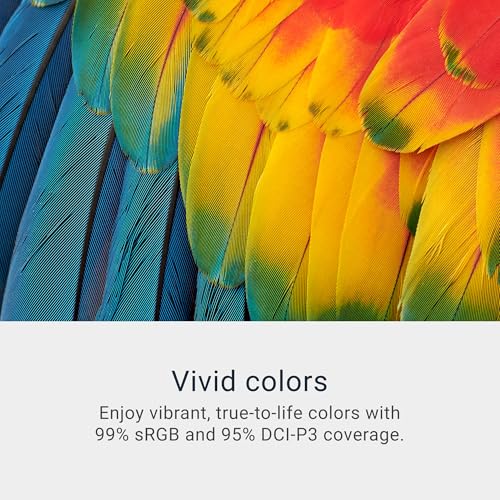
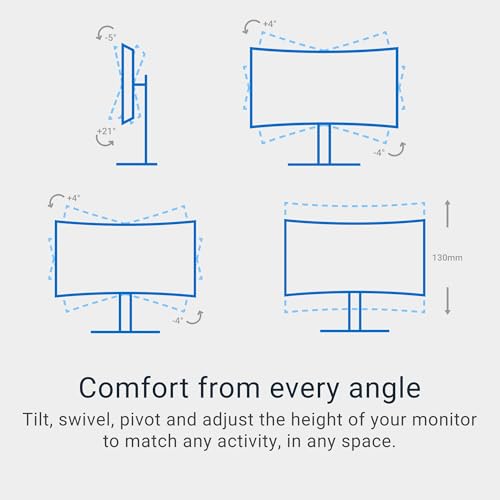
Dell 34 Monitor S3425DW, WQHD VA, 120Hz, FreeSync Premium, Eye Comfort | HDR10, Anti-Glare, 300 cd/m2 Brightness, 3,000:1 Contrast, 95% DCI-P3, 2x10W Speakers, USB-C 65W Power Delivery






As an Amazon Associate we earn from qualifying purchases. Product prices and availability are accurate as of the date/time indicated.

Samsung 27” (S40GD) Borderless Business Monitor with IPS Panel | 100Hz Refresh Rate, Eye Saver Mode, Ergonomic Design, Game Picture Mode, LS27D402GANXGO, 3 Yr Warranty





As an Amazon Associate we earn from qualifying purchases. Product prices and availability are accurate as of the date/time indicated.
| Model | Key point from title | Price tier | Best for |
|---|---|---|---|
| Dell SE2426H | 23.8-inch IPS FHD, 144Hz, 1ms, FreeSync, TUV 3-Star, 2x HDMI; finish not stated | Budget | Small desks, finish unconfirmed |
| Dell SE2726H | 27-inch IPS FHD, 144Hz, 1ms, FreeSync, TUV 3-Star, 2x HDMI; finish not stated | Budget | Bigger FHD canvas, finish unconfirmed |
| Dell SE2725HM | 27-inch IPS FHD 100Hz, anti-glare, 250 nit, HDMI plus VGA | Budget | Cheapest listing that states anti-glare |
| Samsung LS32B304NWNXGO | 32-inch flat, 75Hz, FreeSync, HDMI plus DisplayPort; resolution not in title | Mid-range | Large flat screen, specs to verify |
| LG 32MR50C-B | 32-inch curved FHD, 100Hz, FreeSync, one HDMI; finish not stated | Mid-range | Curved-screen fans |
| Dell S3225QS | 32-inch 4K VA, 120Hz, 300 nit, 3000:1, 99% sRGB, anti-glare | Premium | Text-heavy work in bright rooms |
| Dell S3425DW | 34-inch WQHD VA, 120Hz, HDR10, 300 nit, USB-C 65W, anti-glare | Premium | Ultrawide multitasking with one-cable laptop |
| Samsung S40GD | 27-inch IPS 100Hz, Eye Saver mode, 3-year warranty; finish not stated | Mid-range | Office use with a longer warranty |
Eight candidates, and what each title really promises
Dell SE2426H: the small desk entry
A 23.8-inch IPS panel at 1920×1080 with a 144Hz claim, 1ms, FreeSync, a TUV 3-Star mention, two HDMI inputs and a tilt-only stand. The title never says anti-glare, matte or brightness, so the finish is something to confirm on the listing before you count on it. The TUV 3-Star wording points to a third-party eye-comfort rating, but check what that program covers. Two HDMI inputs suit a laptop and a console. At roughly 93 pixels per inch (our estimate) text is serviceable, and a small panel catches less window light simply by presenting less area.
Pros
- Two HDMI inputs and a 144Hz claim at the lowest tier
- Small footprint presents less surface to reflections
Cons
- Anti-glare and brightness are not stated
- Tilt-only stand limits positioning away from windows
Who it’s for: someone furnishing a compact desk who will verify the surface finish first.
Dell SE2726H: the same family at 27 inches
This is the larger sibling of the SE2426H, with the same IPS panel type, 144Hz claim, FreeSync, TUV 3-Star mention and two HDMI inputs, stretched to 27 inches at 1080p. Pixel density drops to about 82 per inch (estimate), so text is softer, and a bigger glass area mirrors more of the room. Again the title is silent on coating and nits. It is the better pick only if you want size on a budget and are willing to read the specification sheet.
Pros
- Larger canvas than the 24-inch twin
- IPS panel with two HDMI inputs
Cons
- Coating and brightness unstated
- Lower pixel density; larger glass catches more reflections
Who it’s for: a budget buyer who values screen size and will check the surface finish.
Dell SE2725HM: the budget model that says it outright
The only budget-tier title that states anti-glare, alongside Eye Comfort, IPS, 100Hz, 5ms, HDMI plus VGA, a 250 nit brightness figure, 72% NTSC and an ENERGY STAR note. The numbers are modest: 250 nits is on the low side for a bright room, and 72% NTSC is a basic office-class gamut. VGA is handy for legacy PCs. For a typical office with controlled light it is the logical choice, because the coating claim comes with a price that leaves room for a lamp or blinds.
Pros
- Explicit anti-glare wording in the title
- HDMI plus VGA for old and new sources
Cons
- 250 nits leaves little headroom against bright rooms
- Tilt-only stand; 100Hz and 5ms are modest
Who it’s for: an office or study buyer who wants the claim stated and a low outlay.
Samsung LS32B304NWNXGO: the 32-inch with gaps
A flat 32-inch borderless monitor with 75Hz, FreeSync, Game Mode, Advanced Eye Care, HDMI and DisplayPort. The title does not give a resolution, panel type, brightness or coating, so those four facts need verifying on the listing. If it is 1080p, a 32-inch panel is only about 69 pixels per inch (estimate). The appeal is the large flat surface and two input types at a mid tier.
Pros
- Two input types on a large flat screen
- Eye Care and FreeSync features are listed
Cons
- Resolution, panel type and coating all missing
- Likely soft text at 32 inches if it is 1080p
Who it’s for: a shopper after a big flat panel who will read the full specifications.
LG 32MR50C-B: the curved 32-inch FHD
The title says curved, 32-inch, FHD, 100Hz, FreeSync, OnScreen Control, Dynamic Action Sync and Black Stabilizer, with a tilt stand and HDMI. A curve changes where room reflections land, which can help or hurt depending on lamp position. Nothing in the title mentions the surface finish. At FHD, a 32-inch panel is soft for text, about 69 pixels per inch (estimate). Only HDMI is named, so a DisplayPort-only graphics output would need an adapter.
Pros
- Curved face and gaming-oriented features listed
- 100Hz and FreeSync at a mid tier
Cons
- Finish unstated; only HDMI named
- Low pixel density for text work
Who it’s for: a living-space buyer who prefers a curved screen for video.
Dell S3225QS: the 4K VA that states its finish
A 32-inch 4K VA panel with 120Hz, FreeSync Premium, Eye Comfort, 300 cd/m2, 3000:1 contrast, 99% sRGB, 4ms, anti-glare, HDMI and DisplayPort. The title states the finish, the brightness and the contrast, so this is the most fully specified glare answer here. At 4K and 32 inches the density is about 140 pixels per inch (estimate), sharp enough for text. VA contrast helps against ambient light, but viewing angles on VA tend to be narrower than IPS. Our guide to 4K monitors for office work covers the sizing logic in depth. 4K at 120Hz also needs a capable cable path: check the port version before relying on the refresh figure.
Pros
- Anti-glare, 300 nits and 3000:1 all stated
- 4K density suits text-heavy work
Cons
- VA viewing angles are usually narrower than IPS
- Premium tier; 4K at 120Hz needs the right cable and port
Who it’s for: someone doing long document or spreadsheet sessions in a bright room.
Dell S3425DW: the ultrawide with USB-C
A 34-inch WQHD VA ultrawide with 120Hz, FreeSync Premium, HDR10, anti-glare, 300 cd/m2, 3000:1, 95% DCI-P3, two 10W speakers and USB-C with 65W power delivery. The title says WQHD, which on a 34-inch screen normally implies 3440×1440; we assume that for the density estimate of about 110 pixels per inch. The USB-C port can power a laptop and carry video, which pairs well with a monitor docking station if you want more peripherals. HDR10 on a 300-nit panel is a label rather than a promise of striking highlights.
Pros
- Anti-glare, 300 nits and 95% DCI-P3 stated
- USB-C with 65W power delivery per the title
Cons
- Highest price tier of the group
- HDR10 label at 300 nits adds little visual punch
Who it’s for: a laptop user who wants a glare-controlled ultrawide on one cable.
Samsung S40GD: the business-class 27-inch IPS
A 27-inch borderless IPS panel at 100Hz with Eye Saver mode, ergonomic design, a Game Picture mode and a three-year warranty claim. The title says “business monitor”, yet there is no word about coating, brightness or resolution. If it is 1080p, it works out near 82 pixels per inch (estimate). The ergonomic claim is vague until the listing details height, tilt or pivot. Its main selling point is the warranty term and a straightforward IPS panel at a mid tier.
Pros
- Three-year warranty claim
- IPS panel with a 100Hz refresh claim
Cons
- Coating, brightness and resolution unstated
- “Ergonomic design” lacks detail in the title
Who it’s for: an office buyer who weighs warranty above coating certainty.
How we picked these
The Editorial team shortlisted monitors from published specifications, manufacturer documentation and buyer reviews, favouring listings that name a surface finish, a brightness figure or an eye-comfort feature. Nobody on the team used or measured these units. All numbers come from the titles and are seller claims; where the title says nothing about a coating, we say so rather than guess. Price tiers compare the eight to each other only. Reflection and pixel-density figures below are estimates built on assumptions we state, not readings from any listed monitor.
What to look for in an anti-glare monitor
Read the finish line, not the marketing
“Anti-glare” normally means a matte or hazy surface layer that scatters reflections instead of mirroring them. It does not remove light from the room. Look for the word in the specification, not just a feature bullet, and treat “Eye Comfort”, “Eye Saver” or “Eye Care” as separate claims about blue light or flicker. A matte layer can add a slight graininess to fine text, which is a general trade-off and not a measured fact about these models.
Brightness is your counterweight
Only the Dell SE2725HM (250 nits), S3225QS and S3425DW (300 nits) state a figure. In a bright room, extra brightness fights washed-out blacks, but it is a blunt tool.
IPS or VA in a bright room
VA panels in this set claim 3000:1 contrast against the 1000:1 typical of IPS, which helps blacks hold up against ambient light, while IPS keeps colour steadier from the side. Pick VA if you sit centred and face a lit room; pick IPS if two people share the screen.
A back-of-envelope reflection calculation
Assume 300 lux of ambient light, a diffuse screen reflectance of 2% for a well-controlled surface and 5% for a poor one, and static contrast ratios taken from typical IPS (1000:1) and VA (3000:1) claims. Reflected luminance is about reflectance times lux divided by pi, so roughly 1.9 and 4.8 cd/m2. The table shows effective contrast. These are illustrative assumptions, not figures for any listed model.
| Panel assumption | Effective contrast at 2% | Effective contrast at 5% |
|---|---|---|
| 250 nit white, 1000:1 native (IPS-style) | about 117:1 | about 51:1 |
| 300 nit white, 3000:1 native (VA-style) | about 150:1 | about 63:1 |
The lesson is that ambient reflection swamps native contrast in a lit room, so controlling the light matters more than a spec-sheet ratio. A direct window reflection is harsher: a window at an assumed 2000 cd/m2 reflecting at a 4% specular level adds about 80 cd/m2, roughly a third of a 250-nit screen’s output. A matte layer turns that mirror image into a haze.
Placement and ports
Angle the monitor so windows sit to the side, tilt it slightly down, and test with the screen off: if you see a clear mirror image of a lamp, move either one. For a 4K option, see also the Dell 27-inch 4K S2725QS write-up, and confirm the display-cable version when pairing 120Hz with 4K.
Mistakes buyers make
- Assuming every monitor is anti-glare; many titles never state the finish.
- Buying on contrast ratio when the room’s light dominates black levels.
- Placing the screen opposite a window and blaming the coating.
- Ignoring brightness: a 250-nit panel struggles in a sunlit office.
- Choosing a 32-inch FHD panel for text, then finding it soft at about 69 pixels per inch (estimate).
- Confusing eye-comfort labels with a matte surface; they describe different features.
- Buying a tilt-only stand when you need to swivel the screen away from a window; check height, swivel and VESA support if your desk position is fixed.
- Reading “HDR10” on a 300-nit panel as a promise of bright highlights; it is a signal format, not a brightness spec.
Verdict
For an anti-glare answer the title can back up, the Dell S3225QS is the most complete 4K pick and the Dell S3425DW suits ultrawide laptop users. On a tight budget the Dell SE2725HM is the cheapest listing that states the finish, though its 250 nits is modest. Treat the Dell SE2426H and SE2726H, the Samsung screens and the LG as maybes until their listings name a coating. Control the room light before paying for premium panels, and verify the finish line in each specification sheet.
Frequently asked questions
Which monitor here is the best anti-glare option?
On the titles, the Dell S3225QS is the most complete: it states anti-glare, 300 cd/m2, 3000:1 contrast and 4K resolution. The Dell S3425DW also states anti-glare and adds USB-C with 65W power delivery. For tight budgets, the Dell SE2725HM is the cheapest listing that names the finish, though it states only 250 nits of brightness.
Does anti-glare reduce eye strain?
It can reduce the distraction of mirrored lamps and windows, which many people find tiring. General ergonomics matter more: set the top of the screen near eye level, keep a comfortable distance, take breaks and avoid a bright window behind or beside the display. A coating is one piece of that picture, not a medical solution.
Is matte always better than glossy?
Not always. Matte finishes scatter reflections but can slightly soften fine detail, while glossy panels can look punchier in a dark room and mirror badly in a bright one. If your desk faces a window or overhead lights, matte is usually the safer bet. In a dim room, the difference matters less.
How bright should an anti-glare monitor be?
For a lit office, aim for the highest stated figure you can afford. Three titles state 250 or 300 nits; the others state nothing. Our estimate is that ambient reflection at an assumed 300 lux can cut effective contrast to below 150:1, so extra brightness helps keep the picture readable, though lighting control helps more.
Do the Dell SE2426H and SE2726H have an anti-glare coating?
Their titles do not say. They mention IPS, 144Hz, FreeSync, a TUV 3-Star rating and two HDMI inputs, but no surface finish. Many monitors have a matte layer by default, yet you should confirm it in the specification sheet or Dell’s documentation before purchase, especially if the monitor faces a window.







